1
mxb401_us_qck.book
31 ページ
2009年1月8日 木曜日 午後2時1分
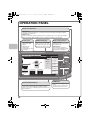
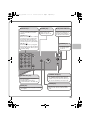
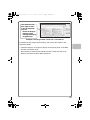
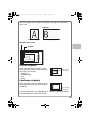
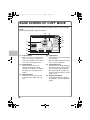
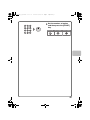
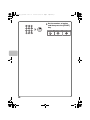
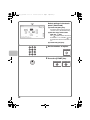
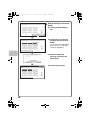
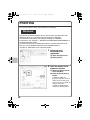
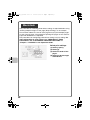
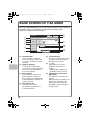
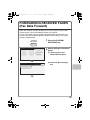
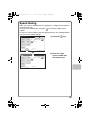
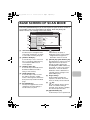
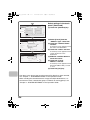
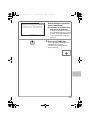
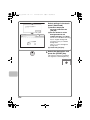
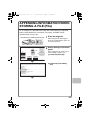
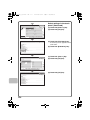
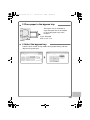
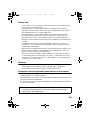
(7) Paper select display
This shows the size of paper
loaded in each tray and the amount
of paper remaining
.
The selected tray is highlighted.
The tray that is feeding paper is
indicated in green.
Do not pull out a tray while paper
is being fed from the tray. This
will cause a paper misfeed.
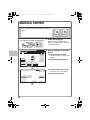
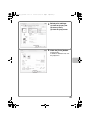
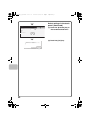
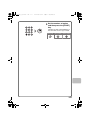
(8) Number of copies display
This shows the number of copies
set.
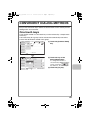
(10) [2-Sided Copy] key
Touch this key to select the 2-sided
copying function.
(11) [Output] key
Touch this key to select an output
function such as sort, group, offset,
or staple sort.
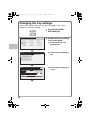
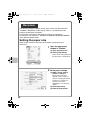
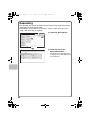
(12) Customized keys
The keys that appear here can be
changed to show settings or
functions that you prefer.
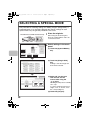
(9) [Special Modes] key
Touch this key to select special
modes such as Margin Shift,
Erase, and Pamphlet Copy.
31