1
mxc381_ex_qck.book
38 ページ
2008年10月16日 木曜日 午前9時35分
4
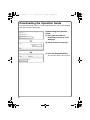
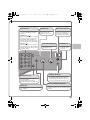
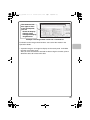
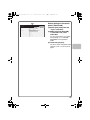
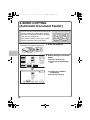
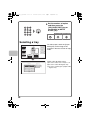
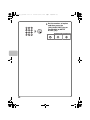
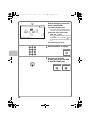
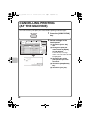
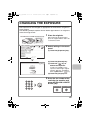
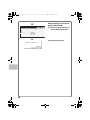
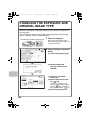
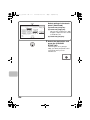
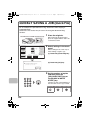
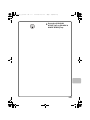
Set the number of copies
and then press the
[COLOUR START] key or
the [BLACK & WHITE
START] key.
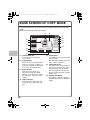
Correct sets
Cancel scanning
Cancel copying
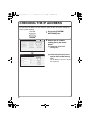
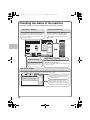
Selecting a tray
Colour Mode
Special Modes
Full Colour
2-Sided Copy
Plain
A4
Exposure
1.
2.
3.
4.
Auto
A4
A5
A4
A4
Output
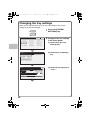
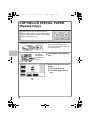
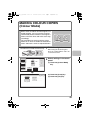
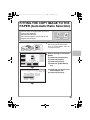
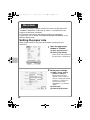
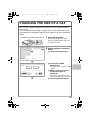
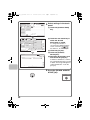
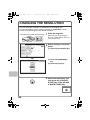
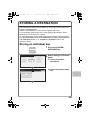
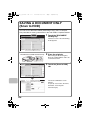
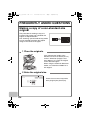
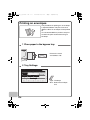
To select paper, touch the [Paper
Select] key or the image of the
machine in the base screen of copy
mode.
File
Quick File
Copy Ratio
Original
100%
Paper Select
Auto
A4
Plain
OK
Paper Select
Bypass Tray
Paper Tray
1. A4
Plain
3. A5
Plain
A4
Plain
3. A4
Plain
4. A4
Plain
(A)
38
(B)
(C)
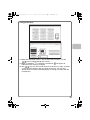
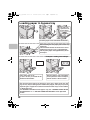
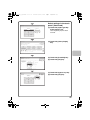
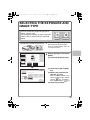
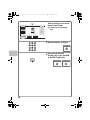
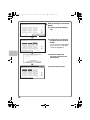
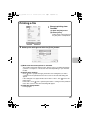
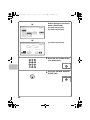
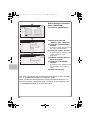
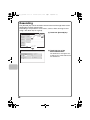
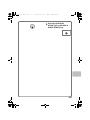
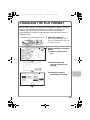
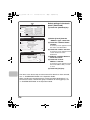
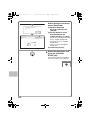
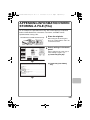
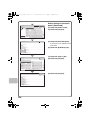
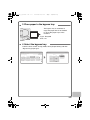
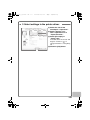
Touch a key to select a tray.
(A) Touch to select one of trays 1 to 4.
(B) Touch to select the bypass tray.
(C) Touch to set the type of paper in the
bypass tray.