mxm503_us_qck.book
47 ページ
2009年2月19日 木曜日 午後2時53分
3
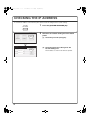
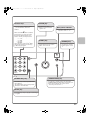
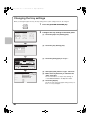
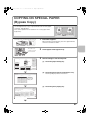
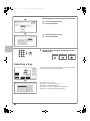
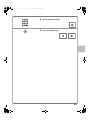
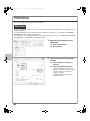
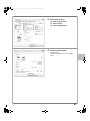
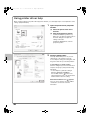
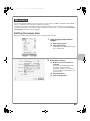
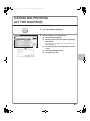
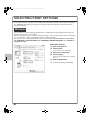
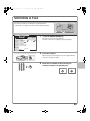
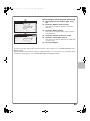
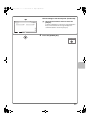
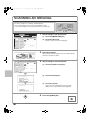
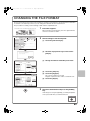
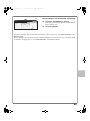
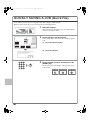
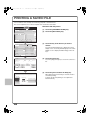
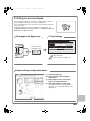
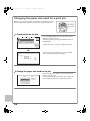
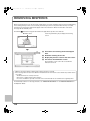
Select print settings.
(1) Click the [Paper] tab.
(1)
(2) Select [Letter].
(3) Click the [OK] button.
(2)
(3)
4
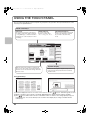
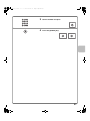
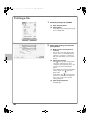
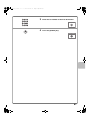
Click the [Print] button.
Printing begins.
In Windows 98/Me/NT 4.0, click the [OK]
button.
47