1
mxc381_ex_qck.book
43 ページ
2008年10月16日 木曜日 午後2時39分
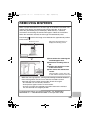
ENLARGEMENT/REDUCTION
(Preset Ratios / Zoom)
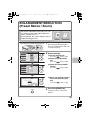
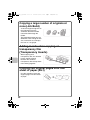
For precise adjustment of the copy size, you
can select a preset ratio and/or adjust the
ratio in increments of 1%.
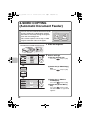
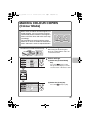
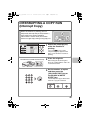
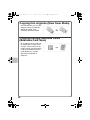
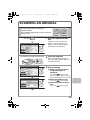
As an example, this section explains how to
reduce the image to 55%.
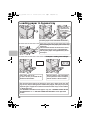
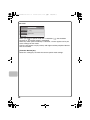
The side to be scanned must be face up!
(1)
BACK
OK
55%
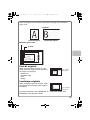
Ratio-specified copy
Original
1
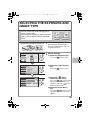
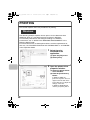
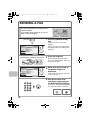
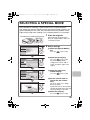
Place the originals.
2
Select settings.
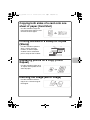
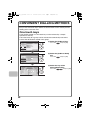
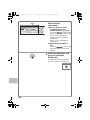
When using the document glass,
place the original with the side to be
scanned face down.
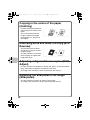
(1) Set the original size.
Select with
and press [OK].
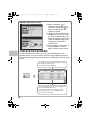
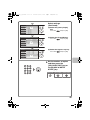
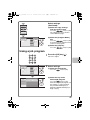
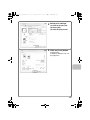
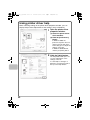
(2) Select the [Copy Ratio]
key.
(2)
Select with
BACK
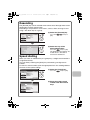
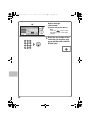
(3) Select the zoom number
display.
OK
(3)
Select with
BACK
and press [OK].
and press [OK].
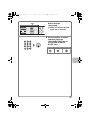
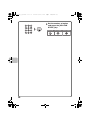
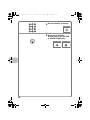
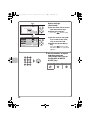
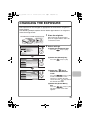
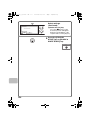
(4) Enter "55" with the numeric
keys and select the [OK]
key.
OK
Select with
and press [OK].
(4)
BACK
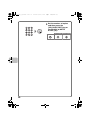
3
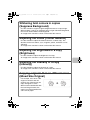
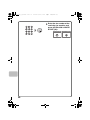
Press the [BACK] key.
The base screen of copy mode
appears.
43