1
04.03
5.1.7
Appendix
Changing the Runtime Language
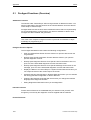
Objective
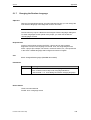
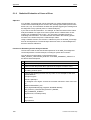
With the "ProAgentSetLanguage" ProAgent standard function you can change the
user interface language of the diagnostic screens at runtime.
Attention
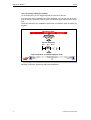
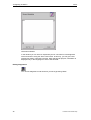
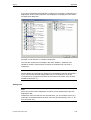
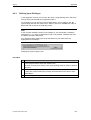
This function may only be called from the ProAgent "Select Language" dialog box.
To switch languages at other points of the project, you must use the WinCC
"SetLanguage" function
Requirements
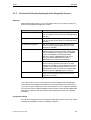
Pieces of text must be stored in the STEP 7 project and on the ProAgent
diagnostic screens in the language concerned. If not, text originating from the
STEP 7 project (for example, unit names, movement names, etc.) are reproduced
in the STEP 7 default language and ProAgent text will be in English.
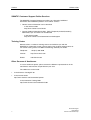
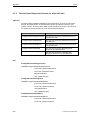
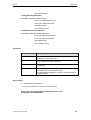
Call
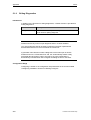
BOOL ProAgentSetLanguage (DWORD dwLocaleID)
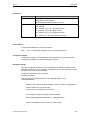
Parameters
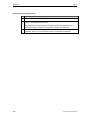
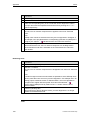
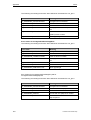
Parameters
Meaning
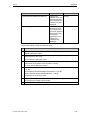
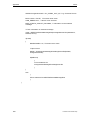
dwLocaleID
SprachID; the values for the different languages can be found in the
index of WinCC Online Help under "language identifiers".
If "dwLocaleID == 0": close dialog box without changing language.
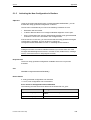
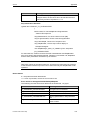
Return Values
TRUE: text was switched
FALSE: error in language switch
Printout of the Online Help
195