1
Configuration techniques
Release 12/01
Reference language
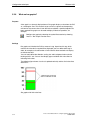
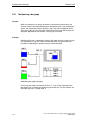
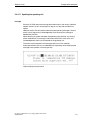
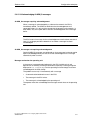
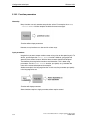
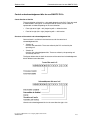
One of the project languages can be used as the "reference language". You can
first create all the blocks of text in the Reference language and then use them as a
basis for other translations when you enter your translated text directly into the
project.
When you are configuring, you can toggle between the reference language and the
editing language you have set.
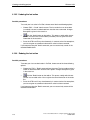
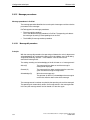
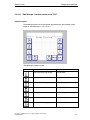
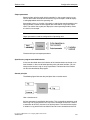
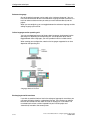
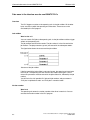
Online languages on the operating unit
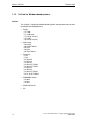
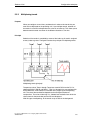
You can even download several of these project languages simultaneously to the
operating unit, depending on the operating unit. For the operator to be able to
toggle between these languages, you must provide him with a suitable control.
When creating your configuration, note that the languages supported at run time
depend on the operating unit.
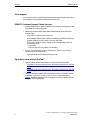
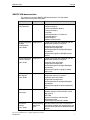
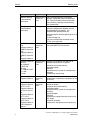
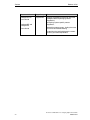
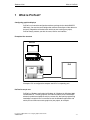
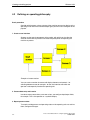
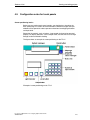
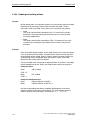
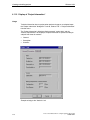
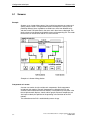
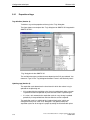
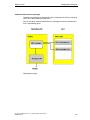
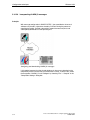
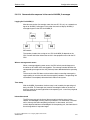
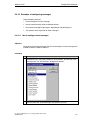
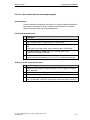
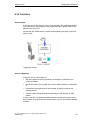
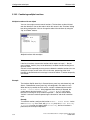
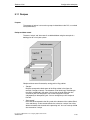
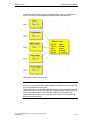
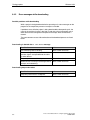
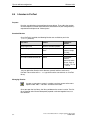
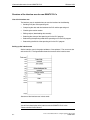
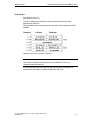
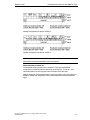
Language levels in ProTool
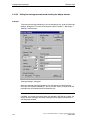
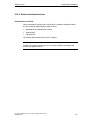
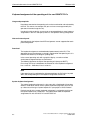
Exchanging text with translators
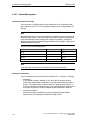
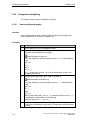
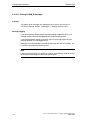
If you wish to send the blocks of text in the reference language for translation, you
can export all blocks of text in a project from ProTool. The translator can edit the
blocks of text outside ProTool, either in Excel, for example, or a text editor. The
translated blocks of text are then imported into your ProTool project and
automatically inserted at the correct places.
5-118
ProTool User Manual How to configure graphics-based units
A5E00149244