1
Configuration techniques
5.9.4
Combining multiple functions
Multiple functions with one object
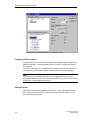
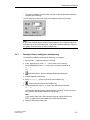
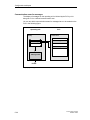
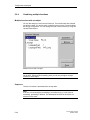
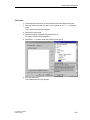
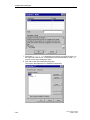
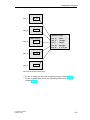
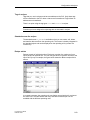
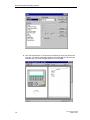
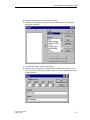
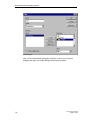
You can also assign an event several functions. The functions are then initiated
one after the other. You set the order in which this occurs in the Functions dialog
box during configuration. You can change the order of the functions by using the
Up and Down buttons.
Multiple functions with one object
Note
On the OP3, OP5 and OP15 operating units you can only configure a single
function for each object.
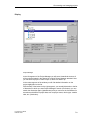
Sequence
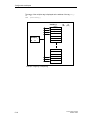
The list of functions is processed from the top down.
Note
If an error occurs during the processing of a function list (e.g. a limit value is
exceeded), processing is aborted. The subsequent functions in the list are not
executed in this case.
5-42
ProTool User’s Guide
Release 12/99