1
04.03
4.5.4
Appendix
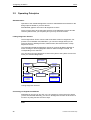
Selecting a CPU/Program for Generation
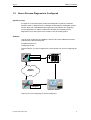
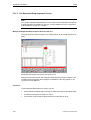
Limiting the extent of the of the Generation run
Generation can take some time with large projects. But it is not necessary to
generate for all involved CPUs/programs in every generation run. In the ProAgent
configuration you can select the CPUs/programs for which you want to generate.
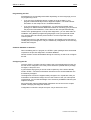
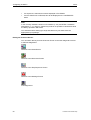
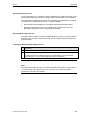
Note
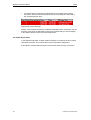
If you have performed changes within a CPU or program (such as removing or
adding units), that CPU or that program must be generated. The CPU or program
is then identified by a gray check box, which is selected and cannot be deselected.
Generating specifically a CPU/Program
Procedure
1
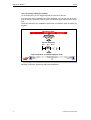
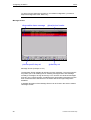
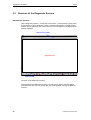
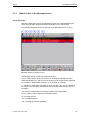
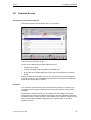
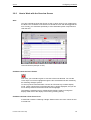
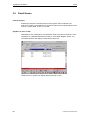
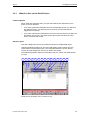
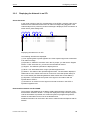
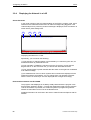
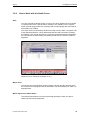
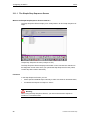
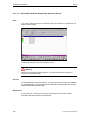
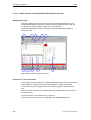
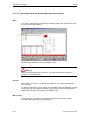
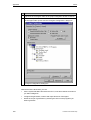
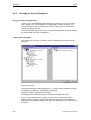
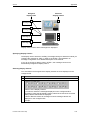
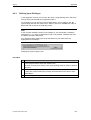
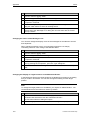
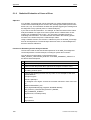
In the "ProAgent Configuration" dialog box, select the "Generation Run" tab.
2
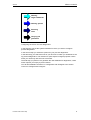
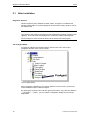
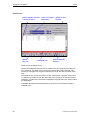
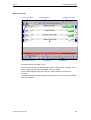
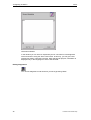
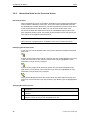
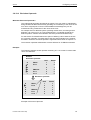
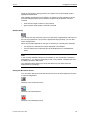
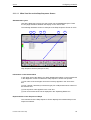
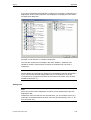
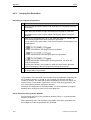
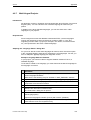
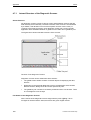
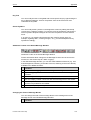
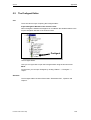
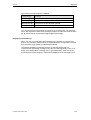
In the "Selected Units" field, you can tell from the check box in front of the
entry which CPUs/programs will be included in the next generation run. There
are the following identifiers:
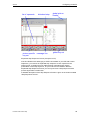
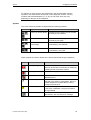
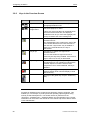
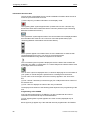
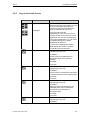
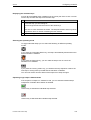
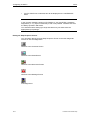
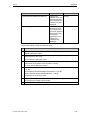
Box black and selected: CPU/program will be generated
Box black and deselected: CPU/program will not be generated
Box gray and selected: CPU/program must be generated, the check mark
cannot be removed.
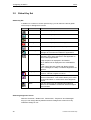
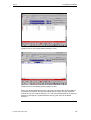
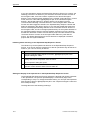
If you want to change the selection, click the black check box belonging to the
CPU/program. You can select or deselect the check box.
Printout of the Online Help
135