1
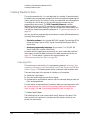
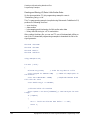
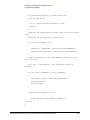
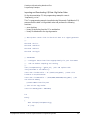
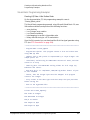
Creating and Downloading Waveform Files
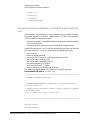
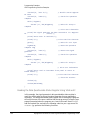
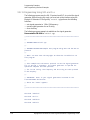
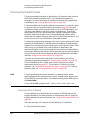
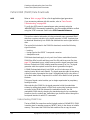
Loading, Playing, and Verifying a Downloaded Waveform
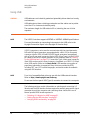
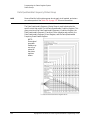
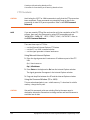
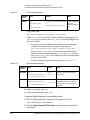
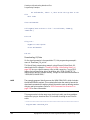
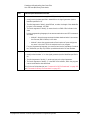
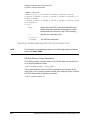
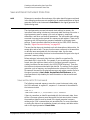
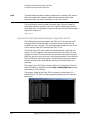
NOTE
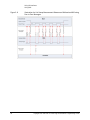
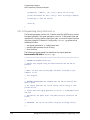
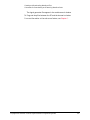
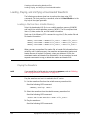
If you would like to verify the waveform sequence, refer to “Verifying the
Waveform” on page 252.
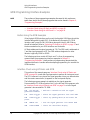
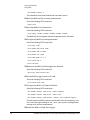
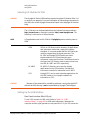
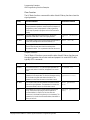
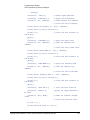
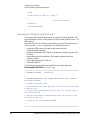
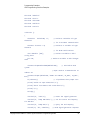
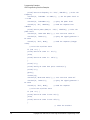
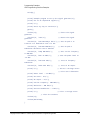
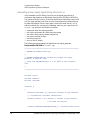
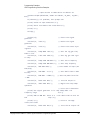
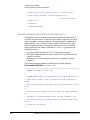
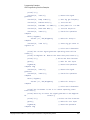
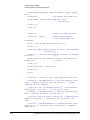
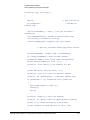
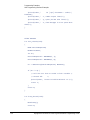
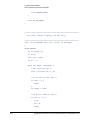
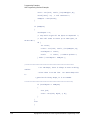
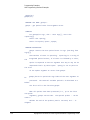
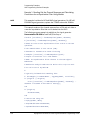
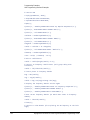
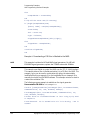
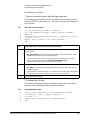
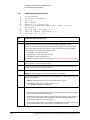
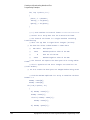
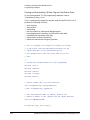
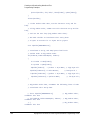
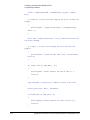
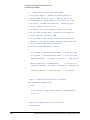
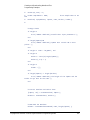
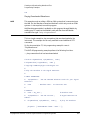
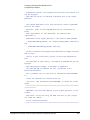
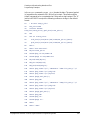
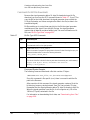
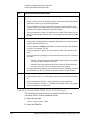
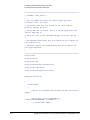
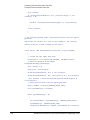
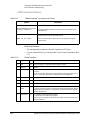
1. List the waveform files from the volatile memory waveform list:
Send the following SCPI command:
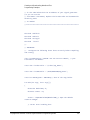
:MMEMory:CATalog? "WFM1:"
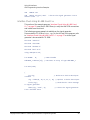
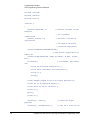
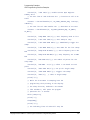
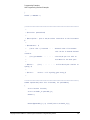
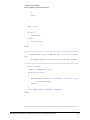
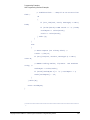
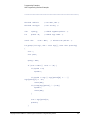
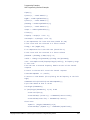
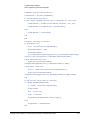
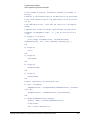
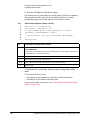
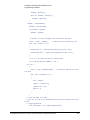
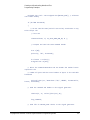
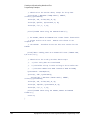
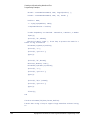
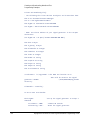
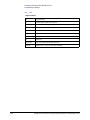
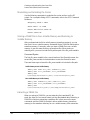
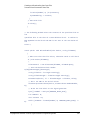
2. Select the waveform segment file(s) from the volatile memory waveform
list:
Send the following SCPI command:
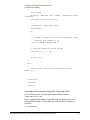
:SOURce:RADio:ARB:WAVeform "WFM1:<file_name>"
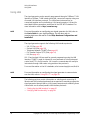
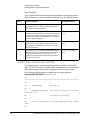
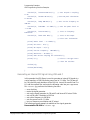
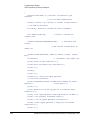
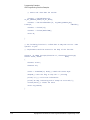
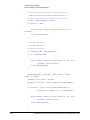
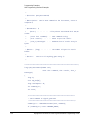
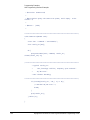
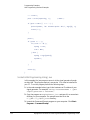
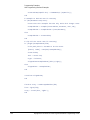
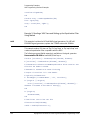
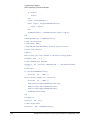
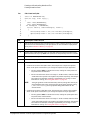
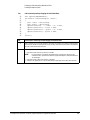
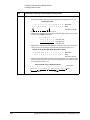
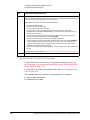
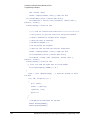
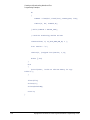
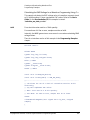
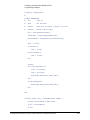
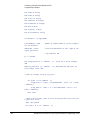
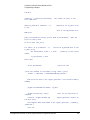
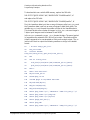
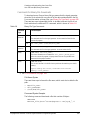
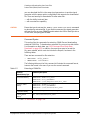
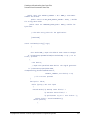
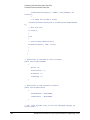
3. Save the waveform segment(s) (“<waveform1>”, “<waveform2>”, ...), to
non–volatile memory as a waveform sequence (“<file_name>”), define
the number of repetitions (<reps>), each waveform segment plays, and
enable/disable markers (M1|M2|M3|M4|...), for each waveform segment:
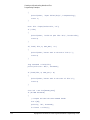
Send the following SCPI command:
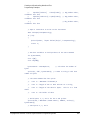
:SOURce:RADio:ARB:SEQuence
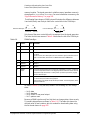
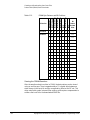
"<file_name>","<waveform1>",<reps>,M1|M2|M3|M4,{"<waveform
2>",<reps>,ALL}
:SOURce:RADio:ARB:SEQuence? "<file_name>"
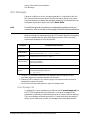
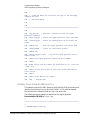
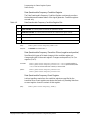
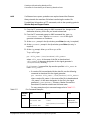
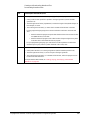
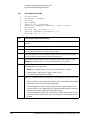
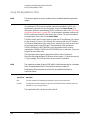
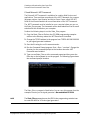
NOTE
M1|M2|M3|M4 represent the number parameter of the marker selected (i.e.
1|2|3|4). Entering M1|M2|M3|M4 causes the signal generator to display an
error. For more information on this SCPI command, refer to the signal
generator’s SCPI Command Reference.
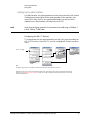
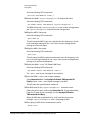
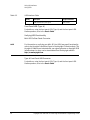
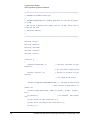
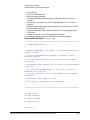
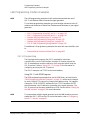
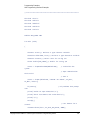
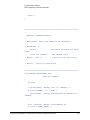
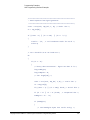
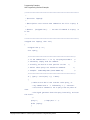
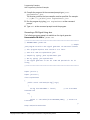
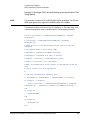
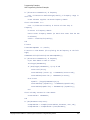
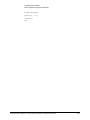
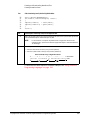
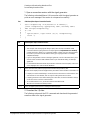
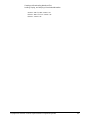
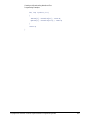
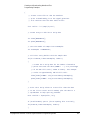
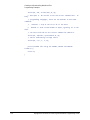
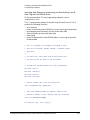
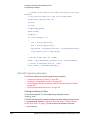
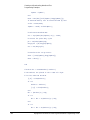
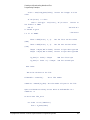
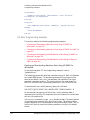
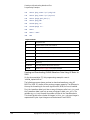
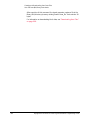
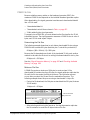
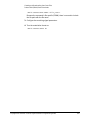
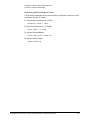
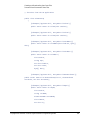
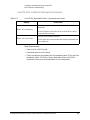
4. Play the waveform sequence:
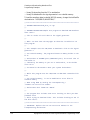
Send the following SCPI commands:
:SOURce:RADio:ARB:STATe ON
:OUTPut:MODulation:STATe ON
:OUTPut:STATe ON
Keysight EXG and MXG X-Series Signal Generators Programming Guide
253