1
4
Operating the Power System
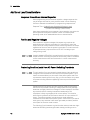
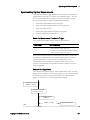
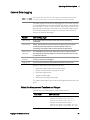
Initiate and Trigger the Data Logger
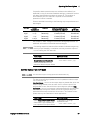
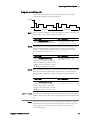
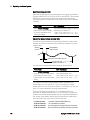
When the power system is turned on, the trigger system is in the Idle
state. In this state, the trigger system is disabled, ignoring all triggers.
The INITiate command enables the measurement system to receive
triggers. To initiate and trigger the external data log:
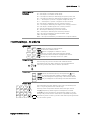
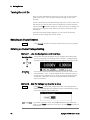
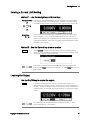
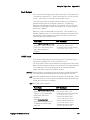
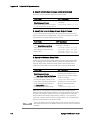
Front Panel:
SCPI Command:
Not Available
To initiate data log measurements:
INIT:ELOG (@1)
To trigger the data logger:
TRIG:ELOG (@1)
If the trigger source is BUS, you can also program *TRG or <GET> to
trigger the data logger.
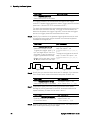
When triggered, the data logger starts placing data in the internal
measurement buffer. Because the buffer is only large enough to hold 20
seconds of accumulated measurement your PC application must
periodically retrieve (or fetch) the data from this buffer.
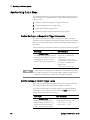
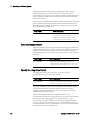
Periodically Retrieve the Data log Measurement
Each FETCh command returns number of requested records of the data
in the buffer and removes them, making room available for more data.
The measurement continues until it is aborted.
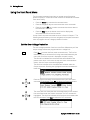
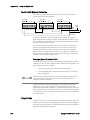
Front Panel:
SCPI Command:
Not Available
To retrieve a maximum of 1000 records:
FETC:ELOG? 1000, (@1)
ASCII data (the default format) is returned as comma-separated ASCII
numeric data sets of average/min/max values terminated by a newline.
ASCII queries can only fetch data from one channel at a time.
Binary data is returned as a comma-separated list of data for each
channel requested. The data for each channel is a definite length binary
block, with the byte order specified by the FORMat:BORDer command.
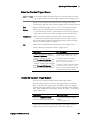
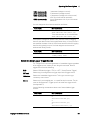
Terminate the Measurement
94
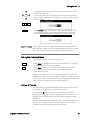
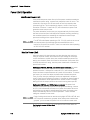
Front Panel:
SCPI Command:
Not Available
To abort the external data logger:
ABOR:ELOG (@1)
Keysight N6700 User’s Guide