1
2-7-1
Manually selecting IF bandwidth
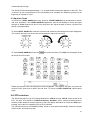
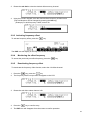
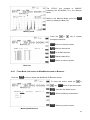
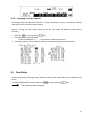
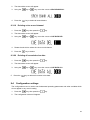
Press the
key, then press the 0 (zero) key.
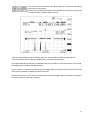
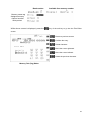
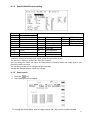
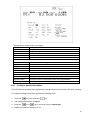
The IF Bandwidth (IFBW) select screen will appear on the LCD.
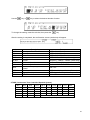
Select a new bandwidth from the list of 200, 500 Hz, 1, 3, 6, 15, 30, 100, 200, and 300 kHz by
rotating the sub dial key. The selectable IF bandwidth is displayed in white. Other parameters may be
selected (displayed in blue), however, they may not be suitable for the particular receive mode in
use.
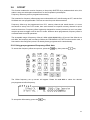
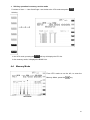
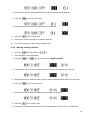
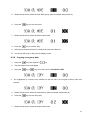
To accept the new bandwidth selection, press the MHz key.
2-8
ATTENUATOR
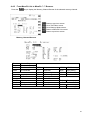
Activating the attenuator reduces signal to the RF input stages of the AR-ALPHA to prevent
overloading in cases where the receiver is used in close proximity to strong transmissions.
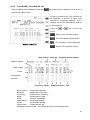
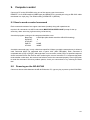
The AR-ALPHA has five settings for ATT (attenuator), AMP ON 0 dB, AMP OFF 0 dB, 10 dB, 20 dB
and AUTO.
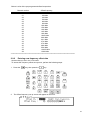
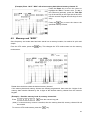
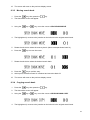
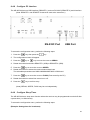
To change the ATT parameter setting, press the
key, then press the 1 key.
43