1
If USB Device Driver Installation Fails
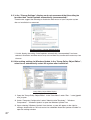
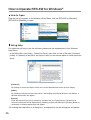
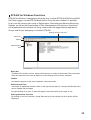
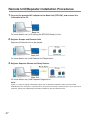
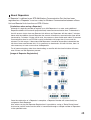
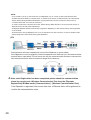
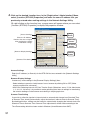
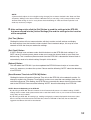
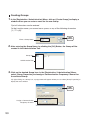
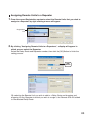
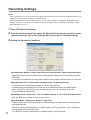
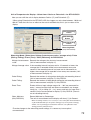
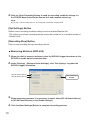
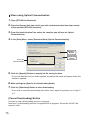
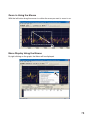
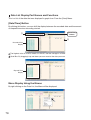
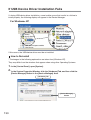
If, during USB device driver installation, some trouble occurs that results in a failure to
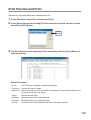
install properly, the following display will appear in the Device Manager.
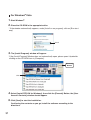
For Windows® XP
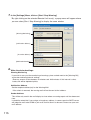
If this occurs, the USB device driver must be re-installed.
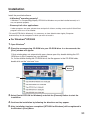
How to Re-install
* The images in the following explanation are taken from [Windows XP].
They may differ from the windows that appear when using other Operating Systems.
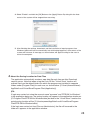
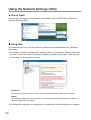
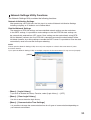
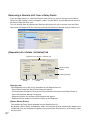
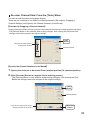
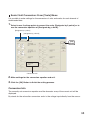
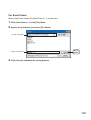
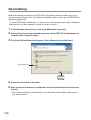
1. In the [Control Panel], open [System].
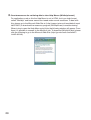
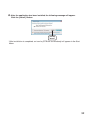
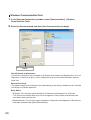
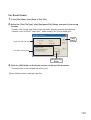
2. In the System Properties Window, click the [Hardware] Tab, and then click the
[Device Manager] Button in the [Device Manager] Area.
[Hardware] Tab
[Device Manager]
Button
133