1
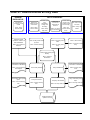
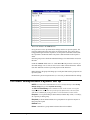
Every week, the individuals of a particular group are paid the default amount
applicable to that group unless the amount is changed by you at the time of payment.
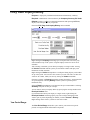
Daily versus Flat
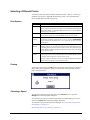
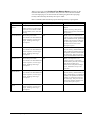
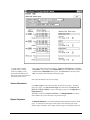
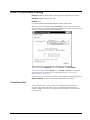
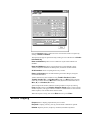
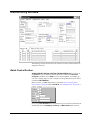
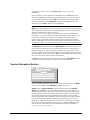
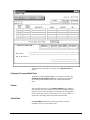
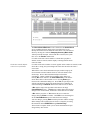
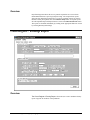
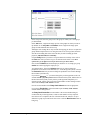
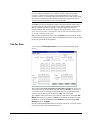
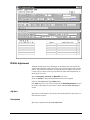
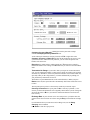
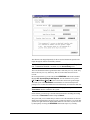
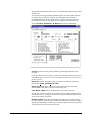
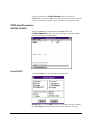
Two methods of per diem default payments can be set up: daily and flat. When it
comes time to pay, you can alternate between these two methods; the choice is made
at the time of processing a payment.
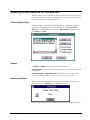
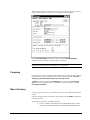
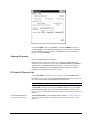
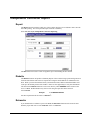
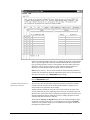
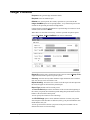
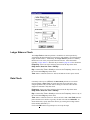
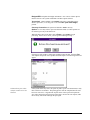
Daily - under this method of per diem payment, you are allowed to specify the
amount for each day of the week as well as charge each day to a different account.
Flat - under this method, a lump sum payment is specified for the week. By
indicating the number of days for which the lump sum is being paid, the system
determines the daily allowance.
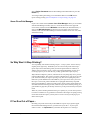
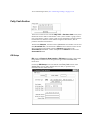
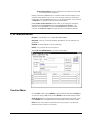
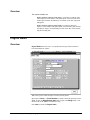
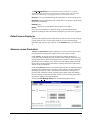
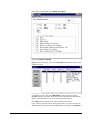
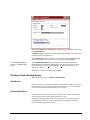
Default versus Employee
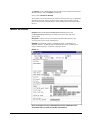
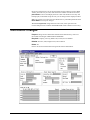
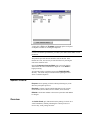
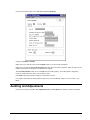
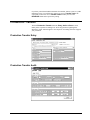
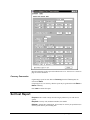
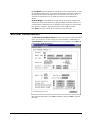
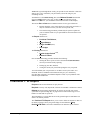
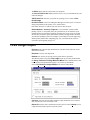
As noted at the beginning of these instructions, the same screen is used for setting up
a group default as well as for processing payment. As we’re discussing group default
here and not how to pay employee, it’s the Default button you’re interested in.
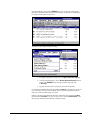
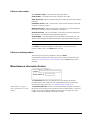
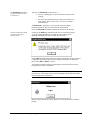
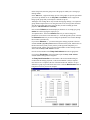
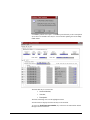
Advance versus Production
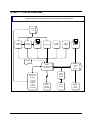
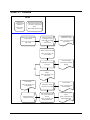
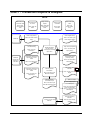
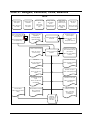
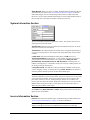
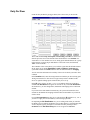
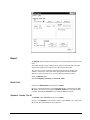
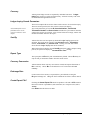
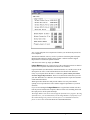
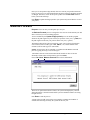
Advance and Production define the method to be used to account for the payment
of per diem and the booking of the charges to the cost or expense accounts.
Under Advance, the Per Diem system will charge the payments to a Per Diem
Clearing Account (crediting petty cash or bank). On the recipients’ timecards, these
per diem payments are coded to the production cost or expense accounts, causing the
EP payroll system to debit the cost or expense accounts with the charges and credit
the Per Diem Clearing with the offset in the accounting entries that it sends back to
VISTA via the payroll diskette.
Under the Production method, the Per Diem system itself directly debits the per
diem payments to the production cost or expense accounts. On the recipients’
timecards, all per diems are coded to the Per Diem Clearing Account thereby causing
the EP payroll system to debit the Per Diem Clearing Account with the charges while
still crediting the same Per Diem Clearing Account with the offset as before in the
accounting entries that it sends back to VISTA via the payroll diskette.
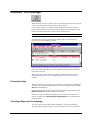
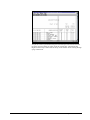
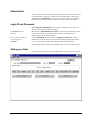
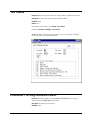
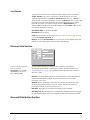
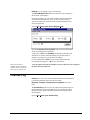
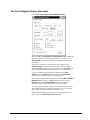
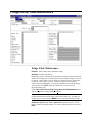
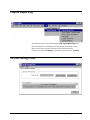
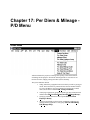
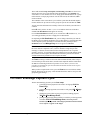
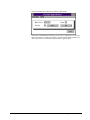
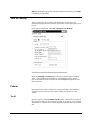
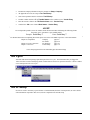
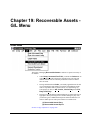
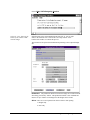
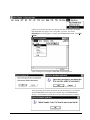
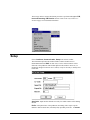
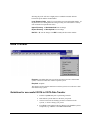
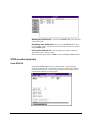
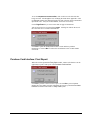
Choose the P/D, Per Diem Entry menu command.
Entertainment Partners
Per Diem & Mileage - P/D Menu • 17-7