1
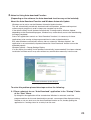
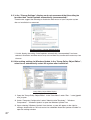
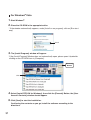
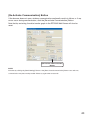
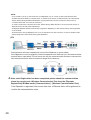
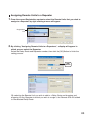
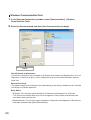
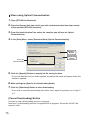
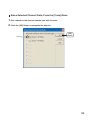
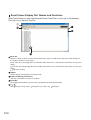
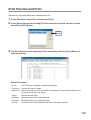
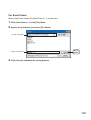
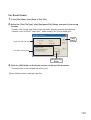
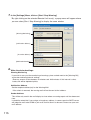
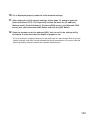
4. Select "Enable" and click the [OK] Button or the [Apply] Button. By doing this the Autorestart of the system will be stopped from occurring.
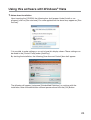
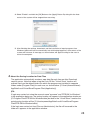
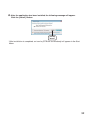
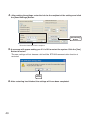
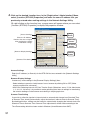
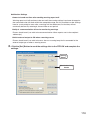
5. After finishing the settings, downloads and the installation of repair programs from
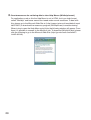
Windows Update will occur automatically, but while being logged on, Auto-restart of the
system will not occur. A message, as shown below, will appear asking for the user to
restart the computer.
4. About the Saving Location for Data Files
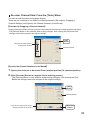
The application automatically creates a new data file each time an Auto-Download
session occurs. Note that when using the Vista OS the "Virtual Store" function will
redirect files from the default folder into which the program was installed to separate
folders under [Program Files] for each user, as shown below: [C:\User\(AccountName)\
AppData\Local\VirtualStore\Program Files\(Application)].
(EX:
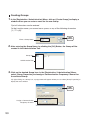
If login was carried out using the account name "myname" and "RTR-5W for Windows"
is the application being run, the saving location will appear in the application window as:
[C:\Program Files\RTR-5W for Windows\data] but due to the "Virtual Store" function the
actual saving location will be [C:\User\myname\AppData\Local\VirtualStore\Program
Files\RTR-5W for Windows\data].
If the login was carried out from [Run as Administrator], the file will be saved to the
folder as it appears in the application window.
28