1
Users Manual
Using Eclare
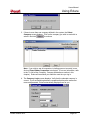
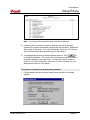
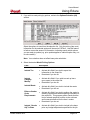
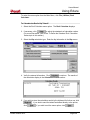
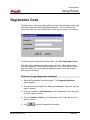
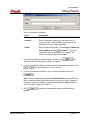
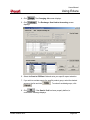
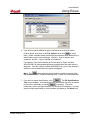
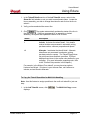
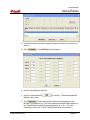
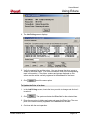
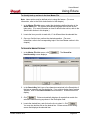
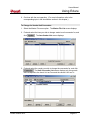
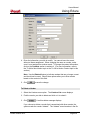
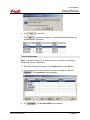
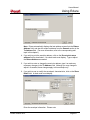
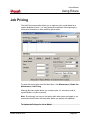
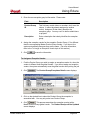
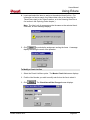
1. Select the Job Pricing menu option. The Update Jobs Pricing screen
displays.
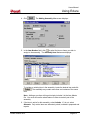
2. Select the jobs to Show. You may work with jobs, models or both. Eclare
finds and displays the jobs corresponding to your selection.
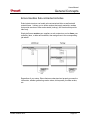
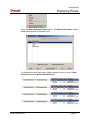
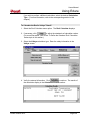
3. Select the jobs to update from the selection list. (For information on how to
select data, refer to the Selecting Data from a List section in the Exploring
Eclare chapter.)
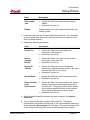
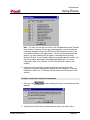
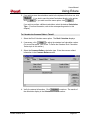
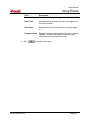
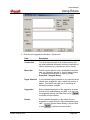
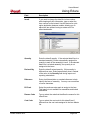
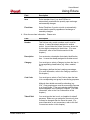
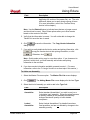
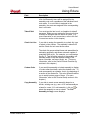
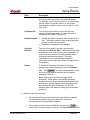
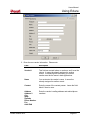
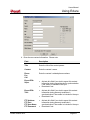
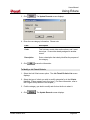
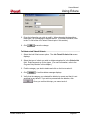
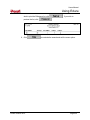
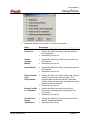
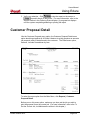
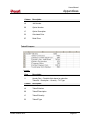
4. Indicate the desired update option:
Field
Description
Reprice Jobs –
Reprice All
Items
Activate this field if you wish to update conversions and
update all items in the selected jobs based on the latest
master file prices. Although you can reprice jobs, you
would normally select this program option to perform
your monthly vendor price update on your models.
Reprice Jobs –
Keep Existing
Prices
Activate this field if you wish to update conversions but
only update newly added items in the selected jobs
based on the latest master file prices. This program
option will not reprice other items in the job, and will use
Eclare Version 2016
Page 443