1
Users Manual
Using Eclare
Install Release
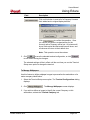
The Install Release menu option allows you to automatically install a downloaded
version of Eclare. Use this option after downloading the newest release to
automatically update your installation.
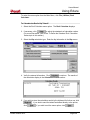
To select the menu option from the Main Menu, click File | Supervisor |
Program Release Files | Install Release.
This menu option is only available to users with supervisor’s access privileges.
Note: You must have already downloaded installation files using the Download
All CD Files menu option.
To Install Release
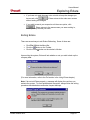
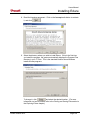
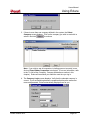
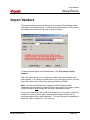
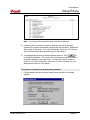
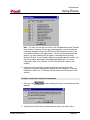
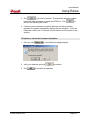
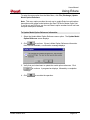
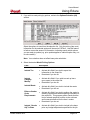
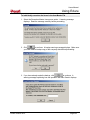
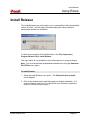
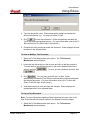
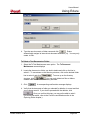
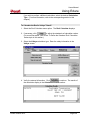
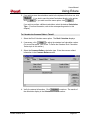
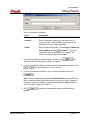
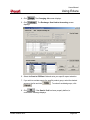
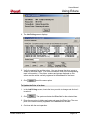
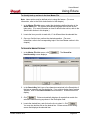
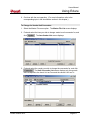
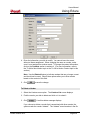
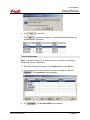
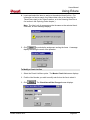
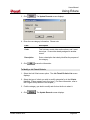
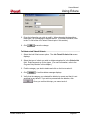
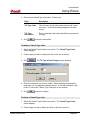
1. Select the Install Release menu option. The Choose Version to Install
screen displays.
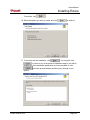
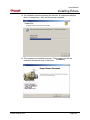
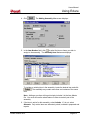
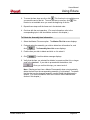
2. Click on the desired version and follow steps to complete installation. (For
more information, refer to the To install Eclare as a standalone application
section in Installing Eclare chapter.)
Eclare Version 2016
Page 261