1
Users Manual
Using Eclare
Multi-File FTP Send
The Multi-File FTP Send menu option allows you send multiple selected files
through FTP (File Transfer Protocol).
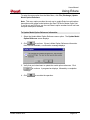
To select the menu option from the Main Menu, click File | Multi-File FTP Send.
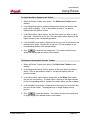
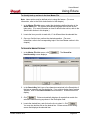
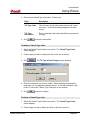
To Send Multiple Files to the FTP
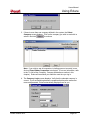
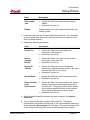
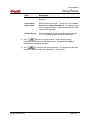
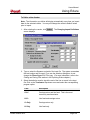
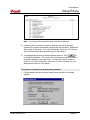
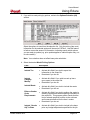
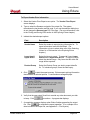
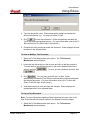
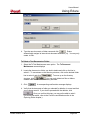
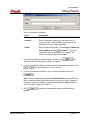
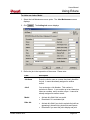
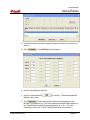
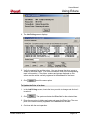
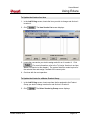
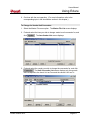
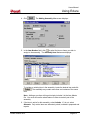
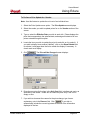
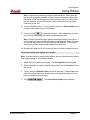
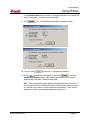
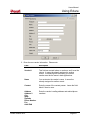
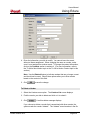
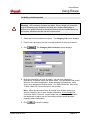
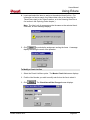
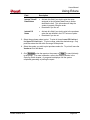
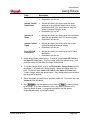
1. Select the Multi-File FTP Send menu option. The FTP Multi-File Send
screen displays.
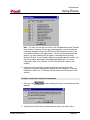
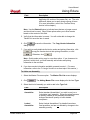
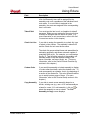
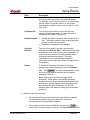
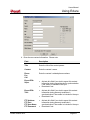
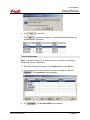
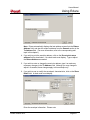
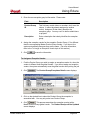
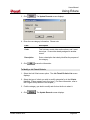
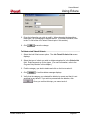
2. Enter the following information:
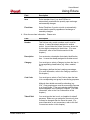
Field
Description
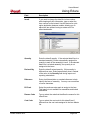
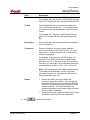
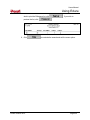
FTP Address
FTP Port
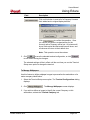
You must enter the FTP Address in its numeric form
(e.g. “192.168.1.1”) instead of its symbolic name (e.g.
“ftp:www.prosoftinc.com”). You must also enter the
FTP Port, which defaults to 21 and in most cases
should not be changed.
Eclare Version 2016
Page 331