1
ExaSAN User’s Manual
About this Manual
Thank you for choosing the ExaSAN solution. This manual takes you step by step through the
installation and configuration of the ExaSAN product kit.
PART ONE:
Introduction
Chapter 1:
Introduces the features of ExaSAN.
Chapter 2:
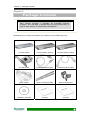
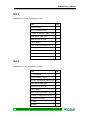
Detailed list of package contents.
Chapter 3:
Definition of ExaSAN components.
PART TWO:
Chapter 4:
Hardware Installation
Instructions for ExaSAN installation.
PART THREE: Connections
Chapter 5:
PART FOUR:
Chapter 6:
PART FIVE:
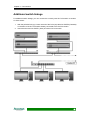
Instructions for making connections and powering on.
RAID Configuration
Instructions for configuring arrays.
Software Installation
Chapter 7:
Instructions for software installation on Windows.
Chapter 8:
Instructions for software installation on Mac.
Chapter 9:
Introduces the G2 PCIe Switch Graphic User Interface.
PART SIX:
Appendices
Appendix A: Instructions for Xsan settings.
Appendix B: Instructions for Final Cut Pro installation.
Appendix C: Instructions for enabling root authority.
Appendix D: Contact details of Accusys business units around the world.
Guide to Conventions
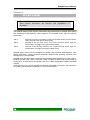
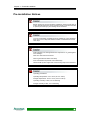
Important information that users should be aware of is indicated with the following icons:
This icon indicates the existence of a potential hazard that could result
in personal injury, damage to your equipment or loss of data if the
safety instruction is not observed.
This icon indicates useful tips on getting the most from your ExaSAN
Kit.
Important terms, commands and programs are put in Boldface font.
2