1
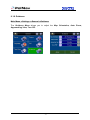
9.2 Advanced Settings
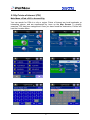
Main Menu ->Settings ->Advanced
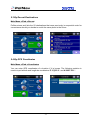
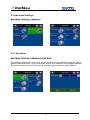
9.2.1 Safe Mode
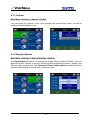
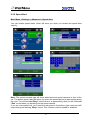
Main Menu ->Settings ->Advanced ->Safe Mode
By enabling “Safe mode”, the touch screen function will be disabled when the vehicle
speed is above 40km/hr. This is to prevent drivers from operation of navigation devices.
The touch screen function will be normal once the vehicle speed is below 40km/hr.
38