1
TOP
Back
Before Using the
Machine
1
Document and Paper
2
Copying
3
Sending and
Receiving
4
Printing and
Scanning
5
Network
6
Remote UI
7
System Manager
Settings
8
Maintenance
Previous
Next
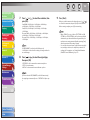
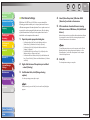
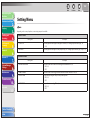
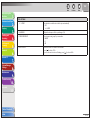
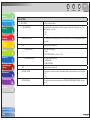
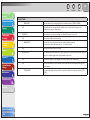
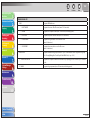
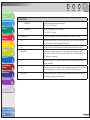
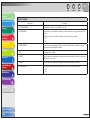
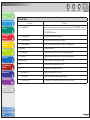
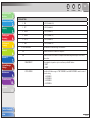
TX/RX SETTINGS
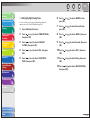
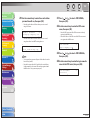
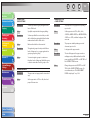
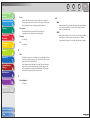
RING COUNT
OFF
5. REMOTE RX
ON
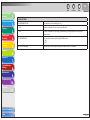
Sets the number of incoming rings before the machine answers. (1TIMES–99TIMES)
The telephone does not ring when the machine receives a fax. (In the Sleep mode, the
telephone may ring one or two times.)
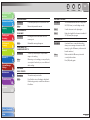
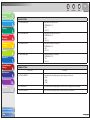
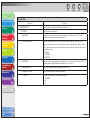
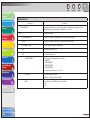
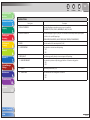
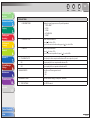
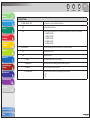
Sets whether to use remote receiving. (See “Remote Reception,” on p. 4-42.)
The machine enables remote receiving.
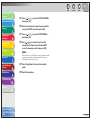
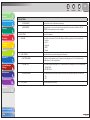
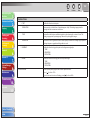
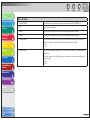
REMOTE RX ID
OFF
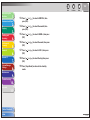
6. MANUAL/AUTO
You can dial a code on remote extension to start receiving a document.
A combination of two characters using 0 to 9, * and # is possible.
The machine disables remote receiving.
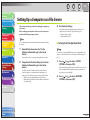
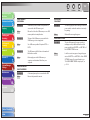
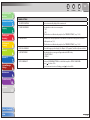
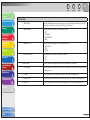
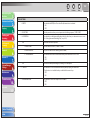
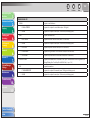
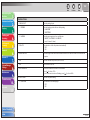
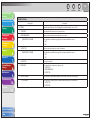
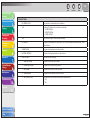
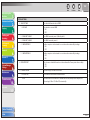
Sets whether the machine switches to the document receive mode after the external telephone
rings for a specified length of time in the manual receive mode.
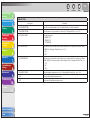
OFF
The external telephone keeps ringing until someone answers the call manually.
ON
The machine switches to the document receive mode after the external telephone rings for a
specified time.
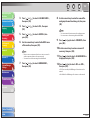
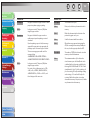
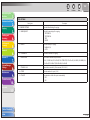
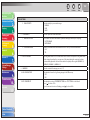
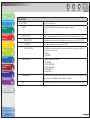
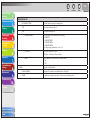
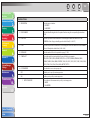
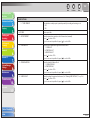
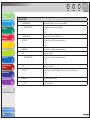
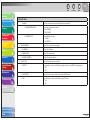
F/T RING TIME
Sets the length of time to elapse before the machine switches to document receiving. (1SEC–
99SEC)
9
Troubleshooting
10
Appendix
11
Table of Contents
Index
11-18