1
TOP
Back
Before Using the
Machine
1
Document and Paper
Previous
Next
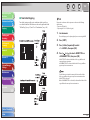
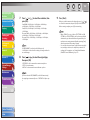
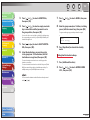
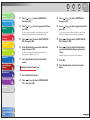
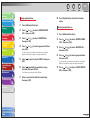
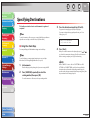
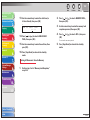
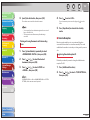
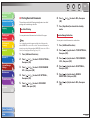
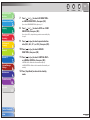
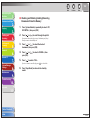
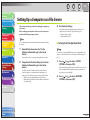
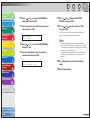
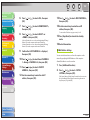
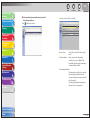
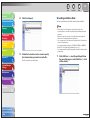
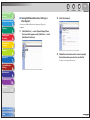
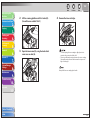
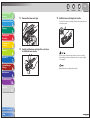
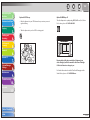
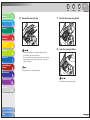
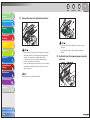
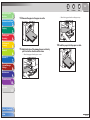
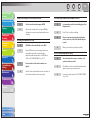
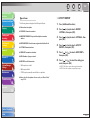
1.
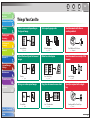
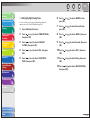
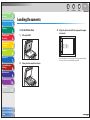
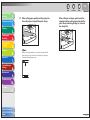
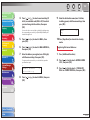
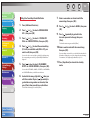
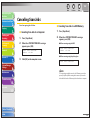
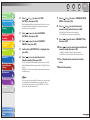
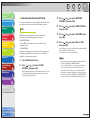
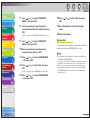
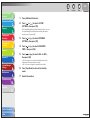
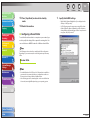
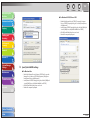
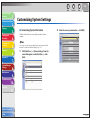
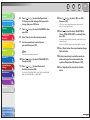
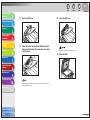
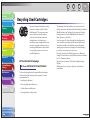
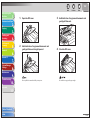
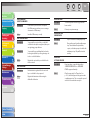
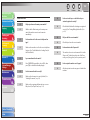
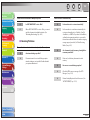
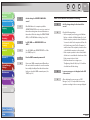
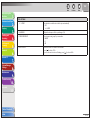
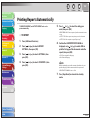
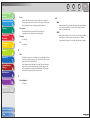
Open the ADF cover.
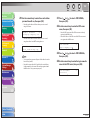
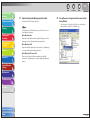
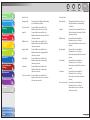
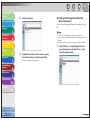
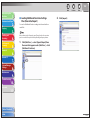
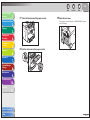
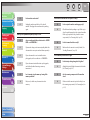
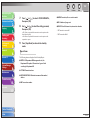
3.
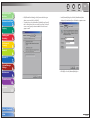
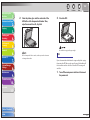
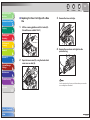
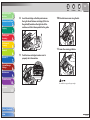
Hold both sides of any jammed documents and
gently pull them out.
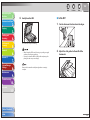
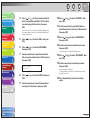
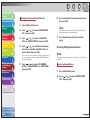
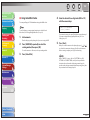
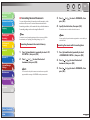
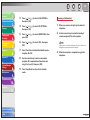
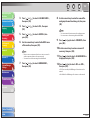
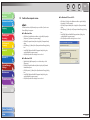
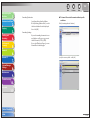
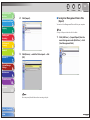
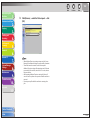
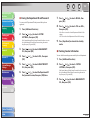
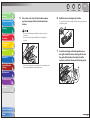
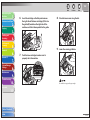
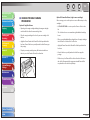
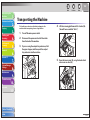
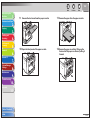
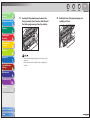
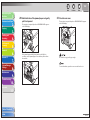
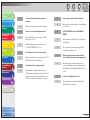
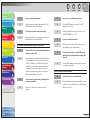
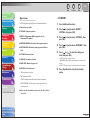
2.
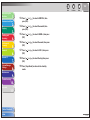
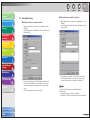
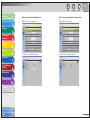
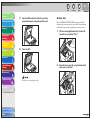
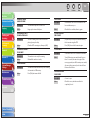
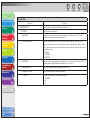
Hold both sides of any jammed documents and
gently pull them out straight upward.
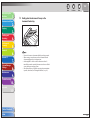
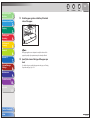
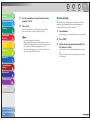
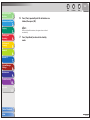
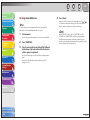
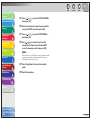
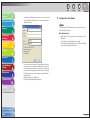
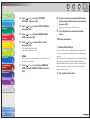
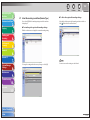
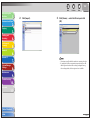
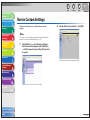
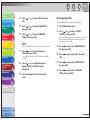
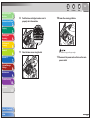
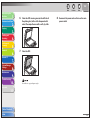
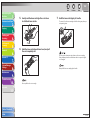
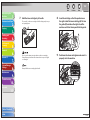
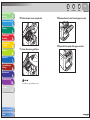
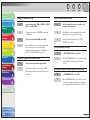
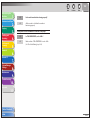
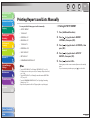
4.
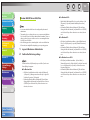
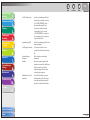
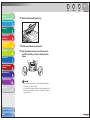
Close the ADF cover.
2
Copying
3
Sending and
Receiving
4
Printing and
Scanning
5
Network
6
Remote UI
7
System Manager
Settings
8
Maintenance
9
Troubleshooting
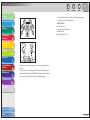
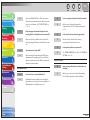
Do not pull the document forcefully as it may tear.
Be careful not to get your fingers caught.
10
Appendix
11
Table of Contents
Index
10-4