1
User manual Version 11.0, March 2013
D3PLOT
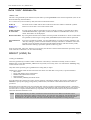
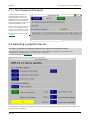
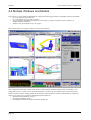
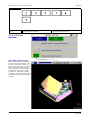
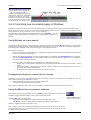
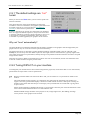
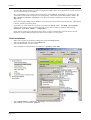
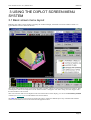
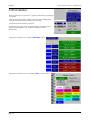
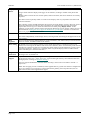
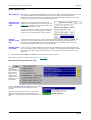
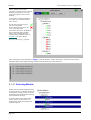
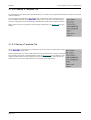
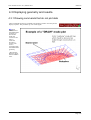
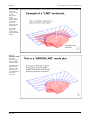
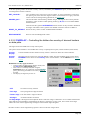
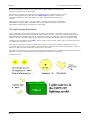
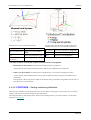
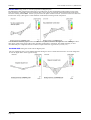
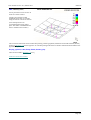
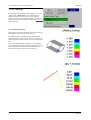
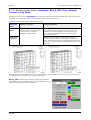
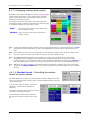
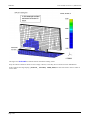
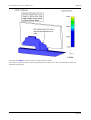
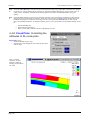
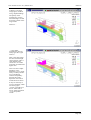
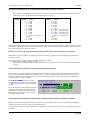
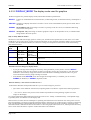
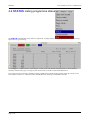
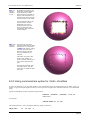
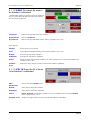
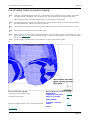
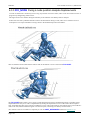
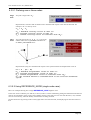
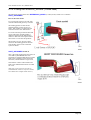
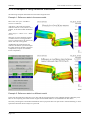
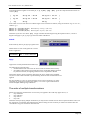
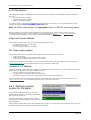
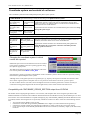
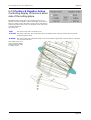
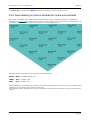
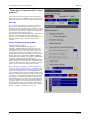
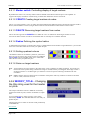
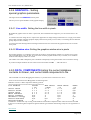
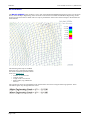
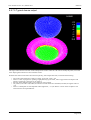
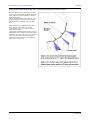
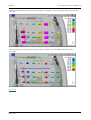
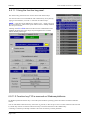
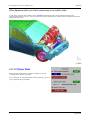
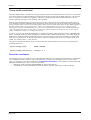
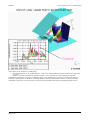
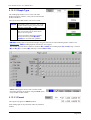
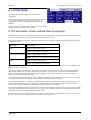
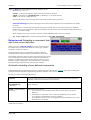
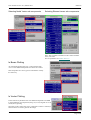
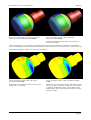
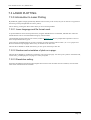
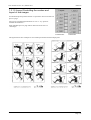
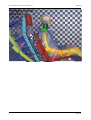
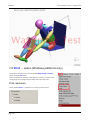
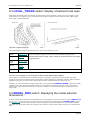
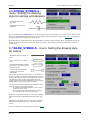
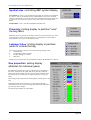
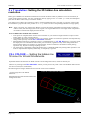
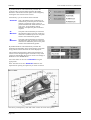
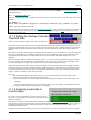
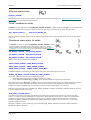
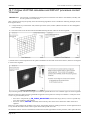
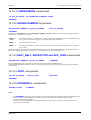
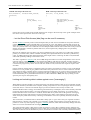
This image shows a "chicken" made of SPH elements striking a flat plate, and demonstrates the default spherical symbols
at quality level 2 and their true radius. The SPH elements have been contoured with their radius.
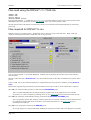
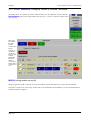
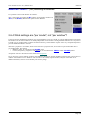
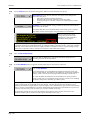
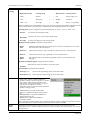
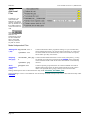
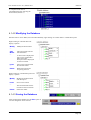
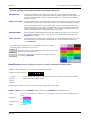
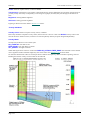
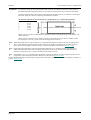
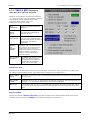
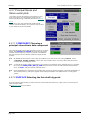
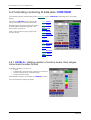
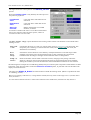
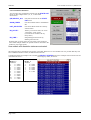
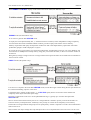
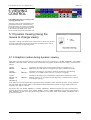
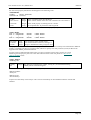
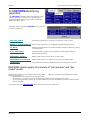
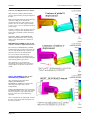
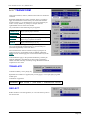
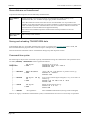
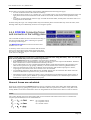
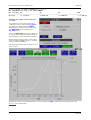
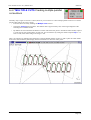
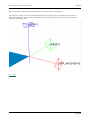
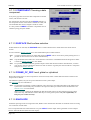
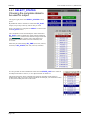
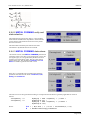
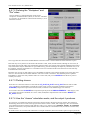
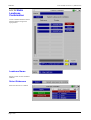
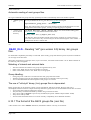
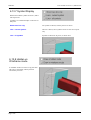
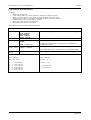
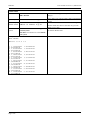
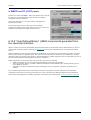
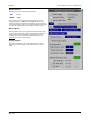
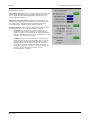
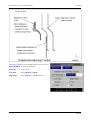
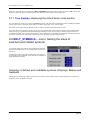
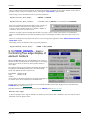
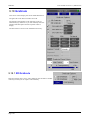
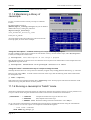
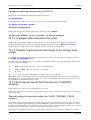
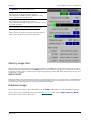
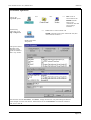
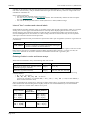
Symbol size: controlling SPH symbol display.
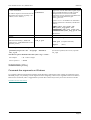
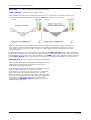
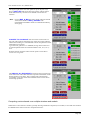
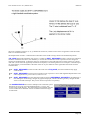
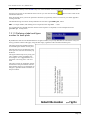
True radius x <factor> uses the radius of influence reported for the current state multiplied by <factor>. This is the
default and is recommended for most cases.
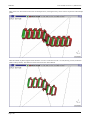
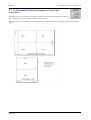
Fixed radius <value> uses the stipulated fixed radius size. This can sometimes be useful if analyses have gone wrong
somehow and delivered very large (or small) radii, making it impossible to see what is happening unless the symbol size
is set explicitly.
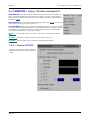
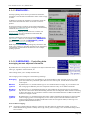
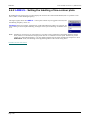
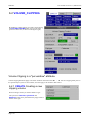
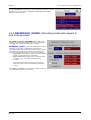
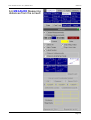
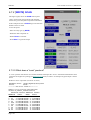
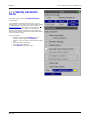
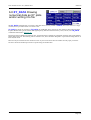
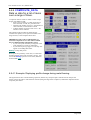
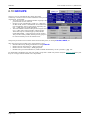
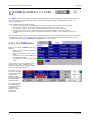
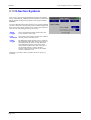
9.10 AB Pcle Symbols: Managing Airbag Particle display
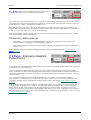
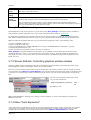
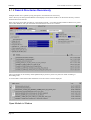
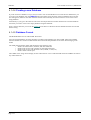
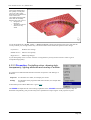
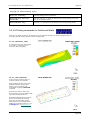
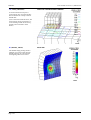
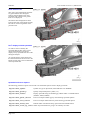
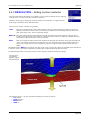
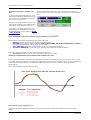
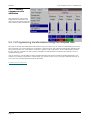
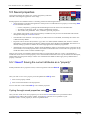
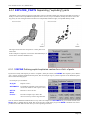
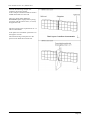
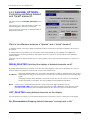
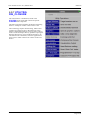
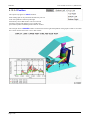
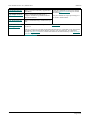
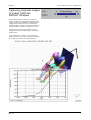
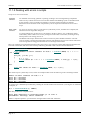
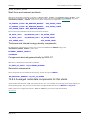
Airbag particles can be thought of as small spheres of gas
emitted from an inflator to apply pressure inside an airbag.
D3PLOT treats them as "elements" for display and contouring
purposes.
They are rendered using symbols that are the same as those used
for SPH elements. However the two element types are highly
unlikely to appear in the same analysis, and their relative sizes
are also likely to be very different, so despite the potential for
confusion this similarity is not a problem.
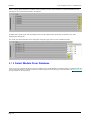
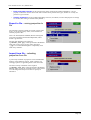
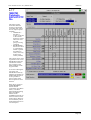
Airbag particles start off "latent" at the beginning of an analysis,
and then burst into life as the analysis proceeds and the inflator
releases them into the bag. An inflator may have several separate
"gases", and particles will belong to a particular "gas".
Once "alive" particles will start off inside the bag, but they may
escape from it either by migrating through porous fabric or by
traveling through a vent hole, and their "leakage" value will
change to reflect this status.
In addition particles may be "near" to the bag fabric, and hence
exerting pressure upon it, or "distant" and not affecting the fabric
directly.
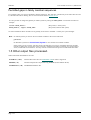
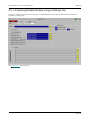
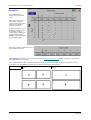
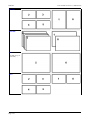
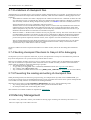
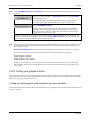
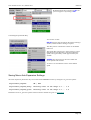
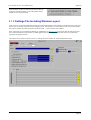
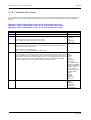
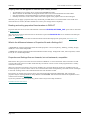
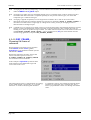
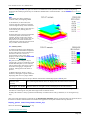
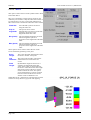
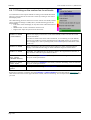
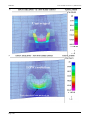
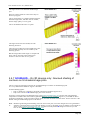
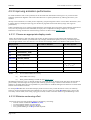
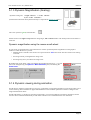
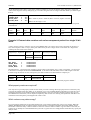
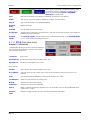
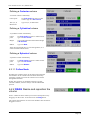
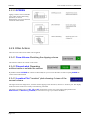
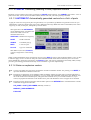
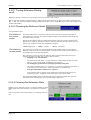
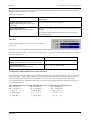
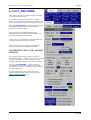
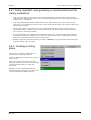
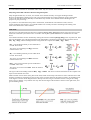
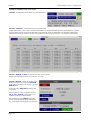
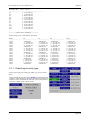
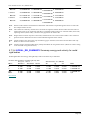
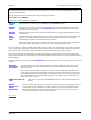
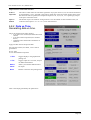
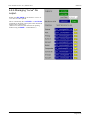
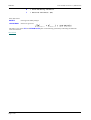
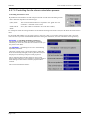
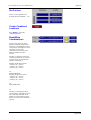
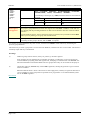
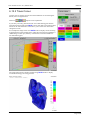
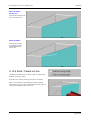
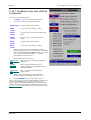
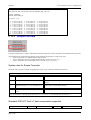
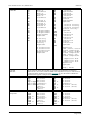
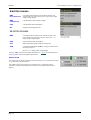
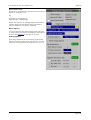
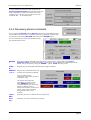
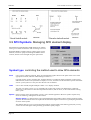
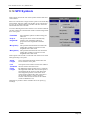
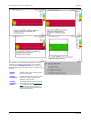
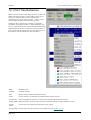
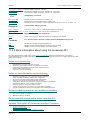
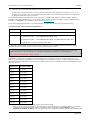
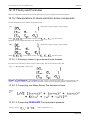
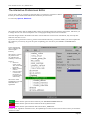
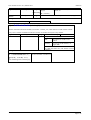
Symbol type: controlling the method used to draw ABP elements:
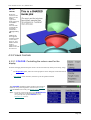
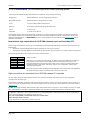
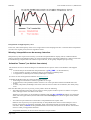
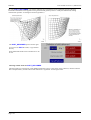
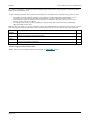
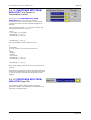
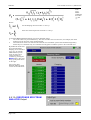
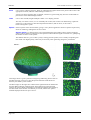
Three different symbol types are provided for displaying airbag particles giving a trade-off between image quality
and rendering speed.
Page 9.9