1
Chapter 8 Automating Processes
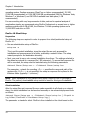
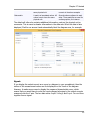
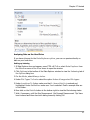
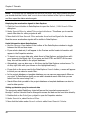
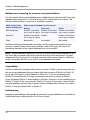
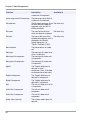
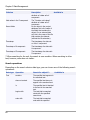
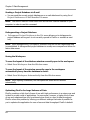
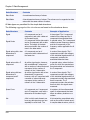
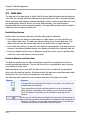
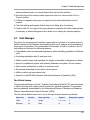
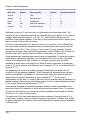
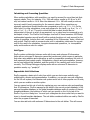
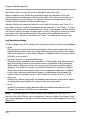
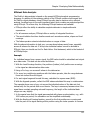
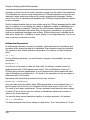
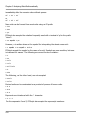
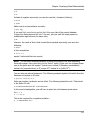
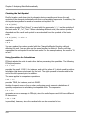
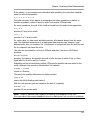
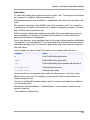
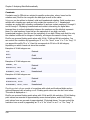
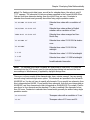
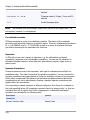
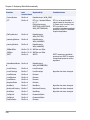
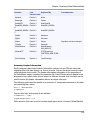
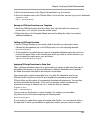
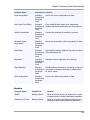
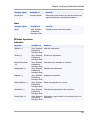
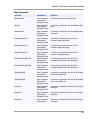
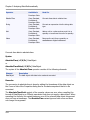
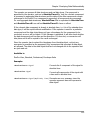
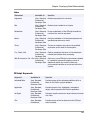
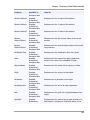
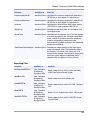
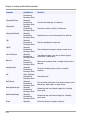
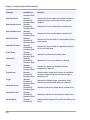
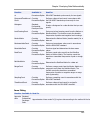
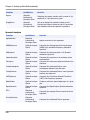
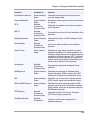
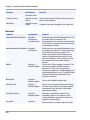
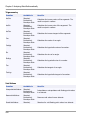
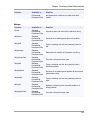
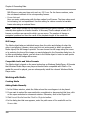
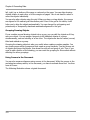
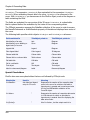
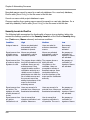
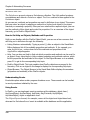
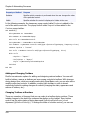
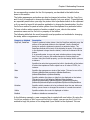
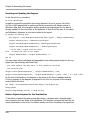
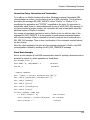
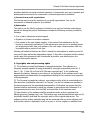
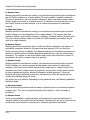
possible because
deactivated automatically.
the public key is
missing or
incompatible
encryption methods
have been used.
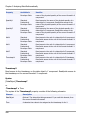
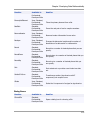
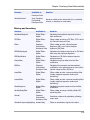
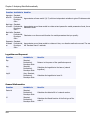
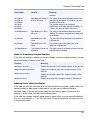
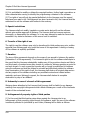
asked to activate or
deactivate macros.
are activated.
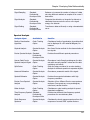
Signed macros from
any author. The
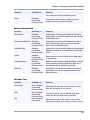
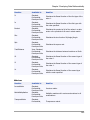
macro project was
signed after the
certificate had
expired or had been
revoked.
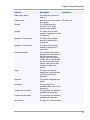
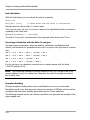
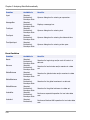
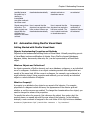
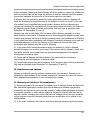
User is warned that the
signature has expired or
has been revoked. The
user is asked to activate
or deactivate macros.
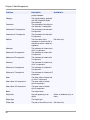
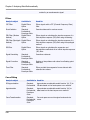
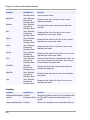
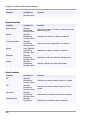
No message or
verification of
signature. Macros
are activated.
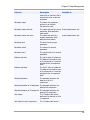
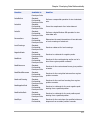
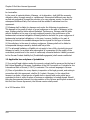
User is warned that the
signature has expired or has
been revoked. Macros are
deactivated automatically.
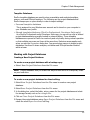
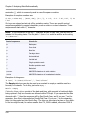
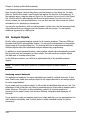
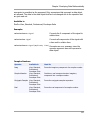
8.2 Automation Using FlexPro Visual Basic
Getting Started with FlexPro Visual Basic
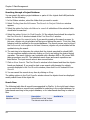
Objects, Understanding Properties and Methods
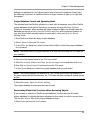
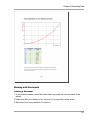
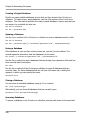
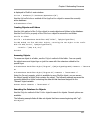
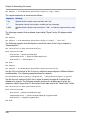
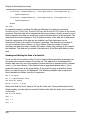
Objects are the fundamental building blocks of Visual Basic. Virtually everything you do
in Visual Basic involves modification of objects. Every FlexPro element (databases,
diagrams, tables, documents, data sets, etc.) can be represented by a Visual Basic
object.
What are Objects and Collections?
An object represents a FlexPro element, such as a database, a diagram, or an individual
curve in a diagram. A collection is an object containing several other objects that are
usually of the same kind. All the curves in a diagram, for example, are contained in a
single collection object. Using properties and methods, you can modify an individual
object or a whole collection of objects.
What is a Property?
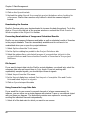
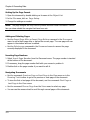
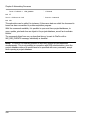
A property is an attribute of an object or an aspect of its behavior. For example,
properties of a diagram include its name, the appearance of the division grid and
whether or not the cursors are enabled. To change the characteristics of an object, you
need to change the values of its properties.
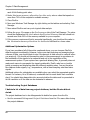
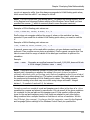
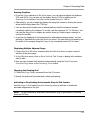
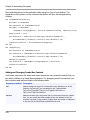
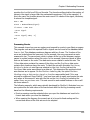
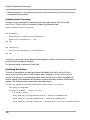
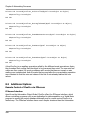
To specify the value of a property, first reference the object, then enter a dot, the
property name, an equals sign and the new value of the property. In the following
example, a new comment is assigned to the root folder of the MyDatabase database.
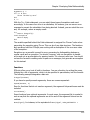
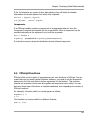
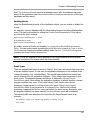
Databases("MyDatabase.fpd").RootFolder.Comments = "My Database"
443