1
Chapter 6 Presenting Data
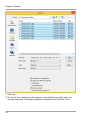
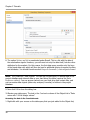
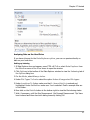
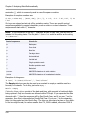
3. In the dialog box that appears, click on the General tab.
4. Uncheck the option Account for this curve when autoscaling the axes.
Hiding Curves
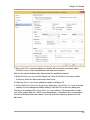
Using the Properties dialog box:
1. If the diagram is in a document or a worksheet, double-click on the diagram to open
it.
2. Double-click on the diagram, but not on the curve.
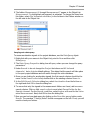
3. In the diagram properties dialog box that appears, click on the Curves.
4. In the Visible column of the Curves list, remove the checkmark from all curves that
you want to hide.
Note: You should use the Delete Curve button to remove curves from the list that
you want to hide permanently.
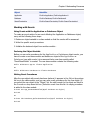
Using the Properties window:
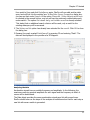
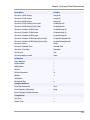
1. Select a curve by clicking on the curve itself or on its axis label. You can select several
curves at the same time by holding down the CTRL key and clicking on them. Select
all diagram curves by holding down the ALT key.
2. In the Properties window under Visible, select False.
Opening the Data Set of a Curve
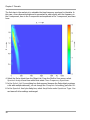
1. Select the curve whose data set you want to open by clicking on the curve or on its
axis label.
2. Hold down the right mouse button to open the context menu and choose the
command Open Data Set.
331