1
Image Processing
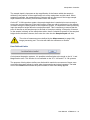
View Results
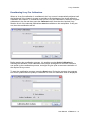
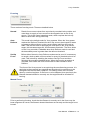
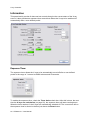
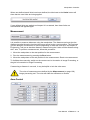
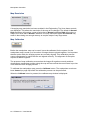
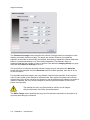
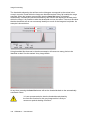
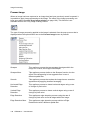
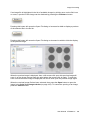
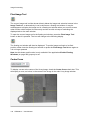
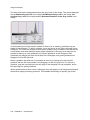
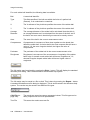
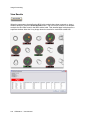
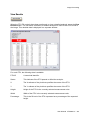
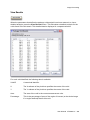
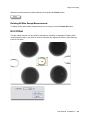
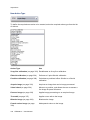
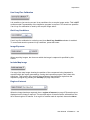
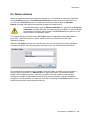
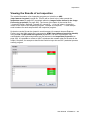
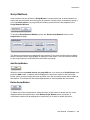
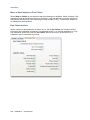
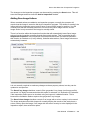
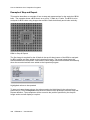
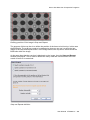
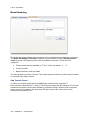
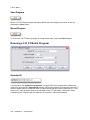
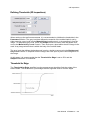
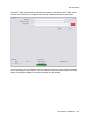
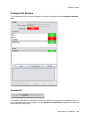
When the PTH Fill analysis have been performed, to view a detailed analysis, press the View
Results button. The full results consists of a detailed analysis for each of the PTHs found in
the image. This detailed data is displayed in a separate window.
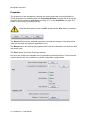
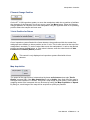
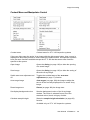
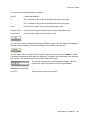
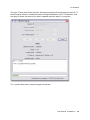
For each PTH, the following data is available.
PTH ID
A numerical identifier.
Status
This indicates if the PTH passed or failed the analysis.
X
The X-ordinate of the pixel that specifies the centre of the PTH.
Y
The Y-ordinate of the pixel that specifies the centre of the PTH.
Height
Height of the PTH in the currently selected measurement units.
Width
Width of the PTH in the currently selected measurement units.
Percentage
This is the fill level of the PTH expressed as a percentage of the expected
height.
User Manual XTM026-A1 257