1
Image Processing
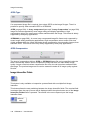
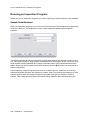
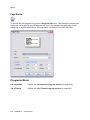
Pass/ Fail
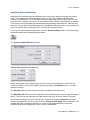
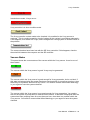
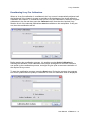
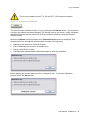
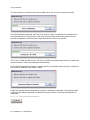
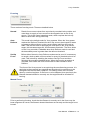
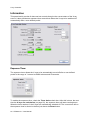
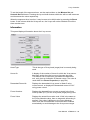
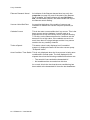
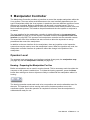
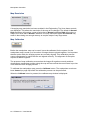
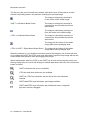
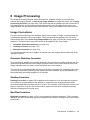
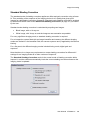
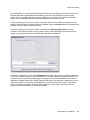
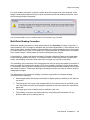
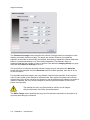
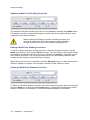
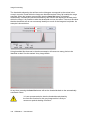
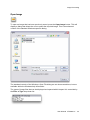
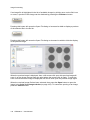
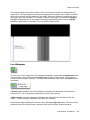
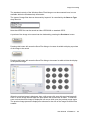
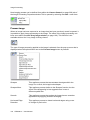
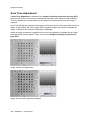
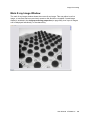
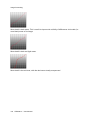
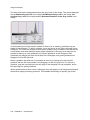
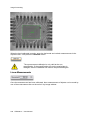
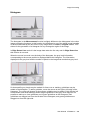
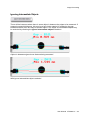
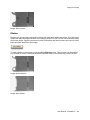
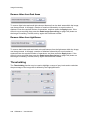
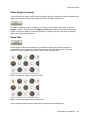
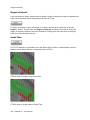
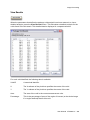
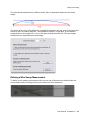
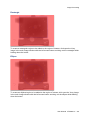
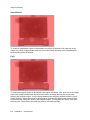
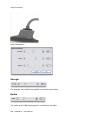
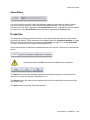
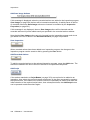
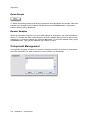
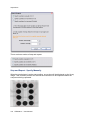
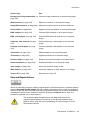
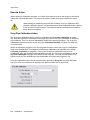
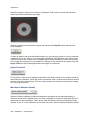
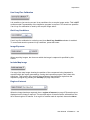
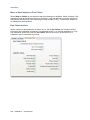
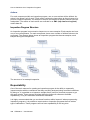
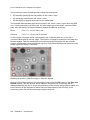
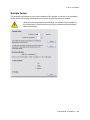
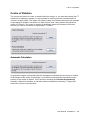
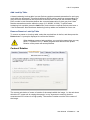
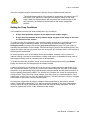
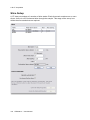
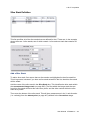
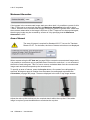
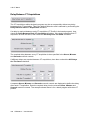
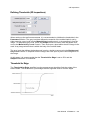
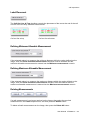
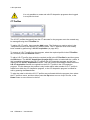
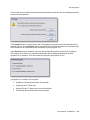
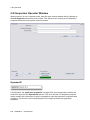
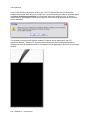
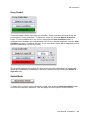
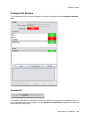
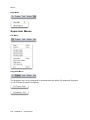
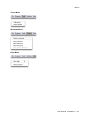
When the results of an analysis have been calculated, a pass or fail status will be displayed.
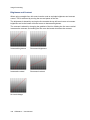
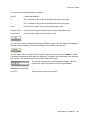
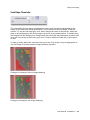
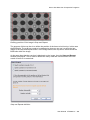
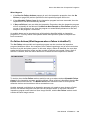
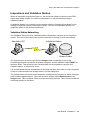
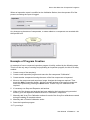
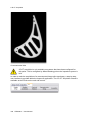
The analysis of the BGA has passed using the specified parameters.
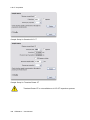
The analysis of the BGA has failed using the specified parameters.
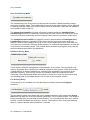
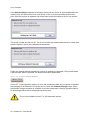
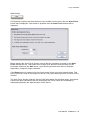
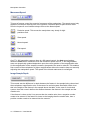
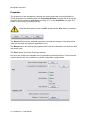
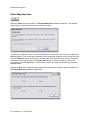
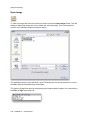
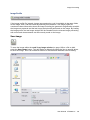
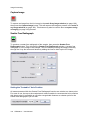
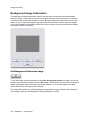
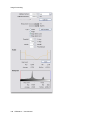
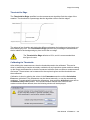
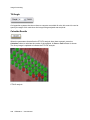
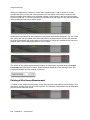
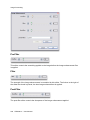
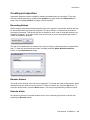
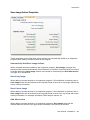
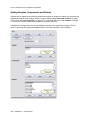
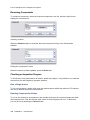
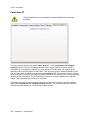
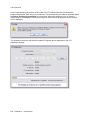
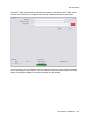
Calibrate
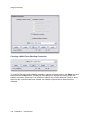
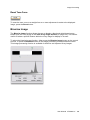
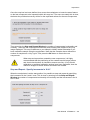
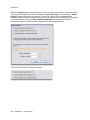
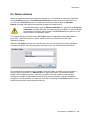
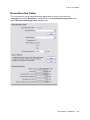
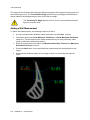
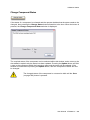
As the analysis of the BGA requires parameters that use the current measurement units, it
may be necessary to re-calibrate the measurements. This is not necessary if entering data in
pixels. To re-calibrate press the Calibrate... button and this will display the Measurement
(on page 197) image processing function.
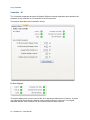
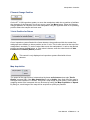
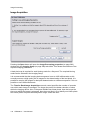
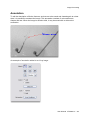
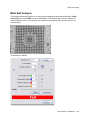
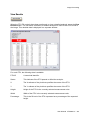
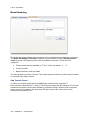
BGA Ball Void Analysis
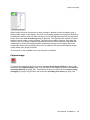
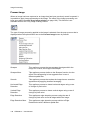
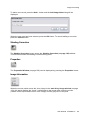
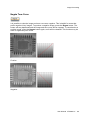
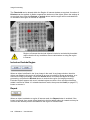
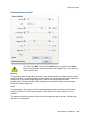
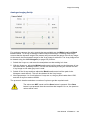
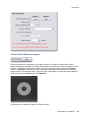
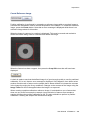
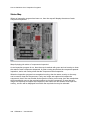
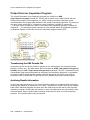
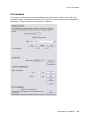
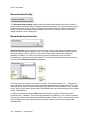
This image processing function is for analysing voids within the solder balls of a Ball Grid
Array (see topic "BGA" on page 589) (BGA). The analysis will count the number of voids,
and the percentage of the balls area that consists of voids for each complete solder ball in
the X-ray image.
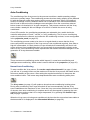
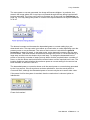
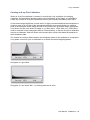
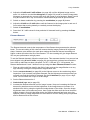
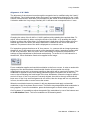
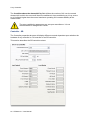
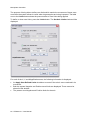
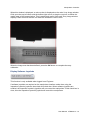
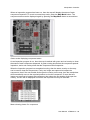
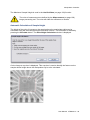
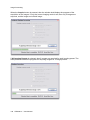
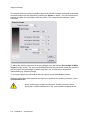
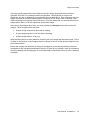
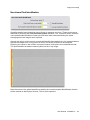
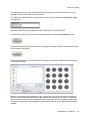
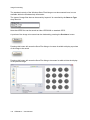
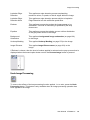
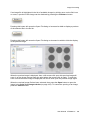
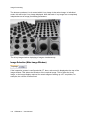
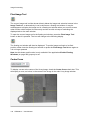
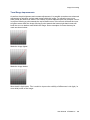
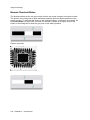
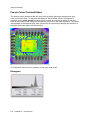
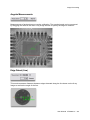
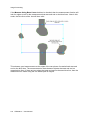
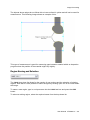
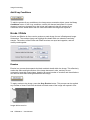
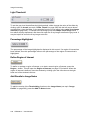
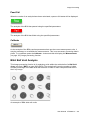
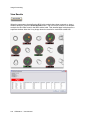
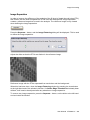
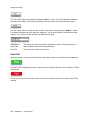
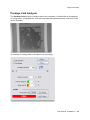
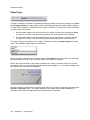
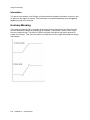
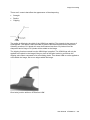
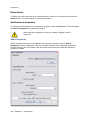
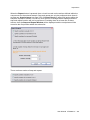
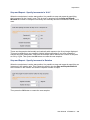
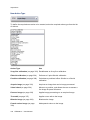
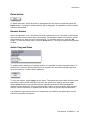
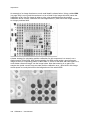
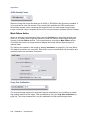
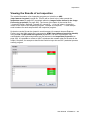
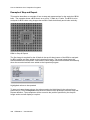
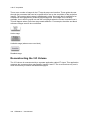
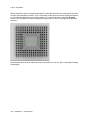
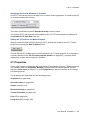
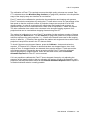
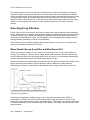
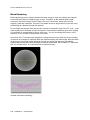
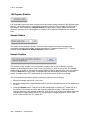
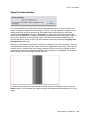
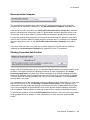
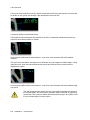
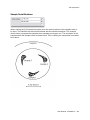
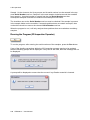
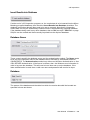
An example of BGA balls with voids
User Manual XTM026-A1 237