1
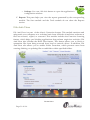
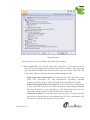
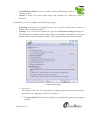
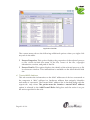
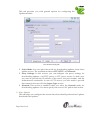
The Scheduling Tab
?
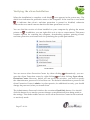
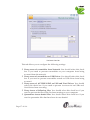
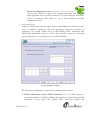
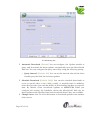
Automatic Download: [Default] You can configure the Update module to
query and download the latest updates automatically from the MicroWorld
Web site. You can configure the query interval by using the following setting.
•
Query Interval: [Default: 120] You can set the interval after which eScan
should query the Web site for latest updates.
?
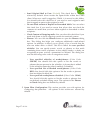
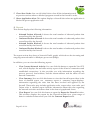
Schedule Download: [Default: Daily] You can also schedule downloads to
occur on specific days or on a daily, weekly, or monthly basis. In addition,
eScan also provides you with the facility of downloading updates at a specific
time. By default, eScan downloads updates at 1:50:00 PM. When you
configure this setting, the Scheduler checks the MicroWorld Web site for
latest updates at the specified time and downloads them if they are available.
?
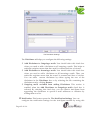
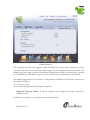
Change Server: You can click this button to download updates from another
eScan server.
Page 107 of 116