1
INSTALLING
MODUSGATE
3 INSTALL
Step
8
MODUSGATE
Action
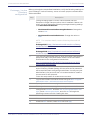
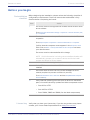
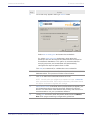
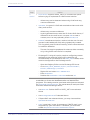
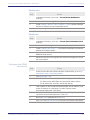
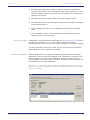
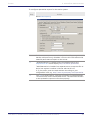
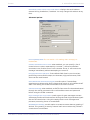
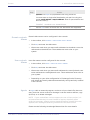
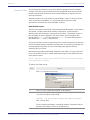
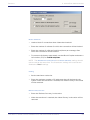
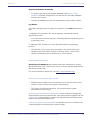
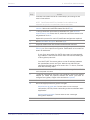
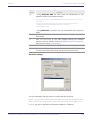
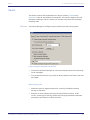
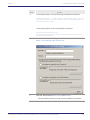
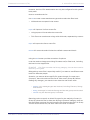
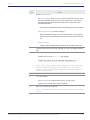
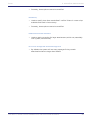
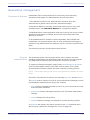
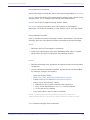
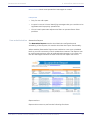
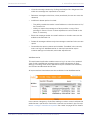
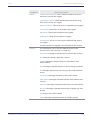
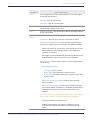
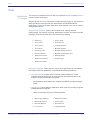
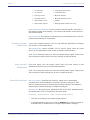
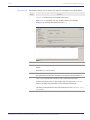
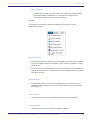
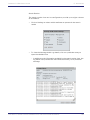
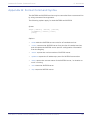
Click Next to enter the SQL Server connection details:
•
SQL Server name or IP: if using SQL Express, include \sqlexpress
after the IP or name. Do not enter spaces either before or after
the backslash (\).
•
SQL Administrator Account: enter the SA account name (or one
with equivalent rights) and the Password.
•
Click Connect to both test the database connection and get the
list of existing database names.
•
Database name: select where to install the modusGate
databases. Either choose an existing name from the dropdown
menu or enter a new name and click Next.
COPYRIGHT © 2011 BY VIRCOM. REPRODUCTION
AND DISCLOSURE PROHIBITED.
16