1
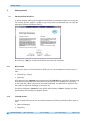
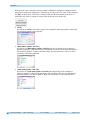
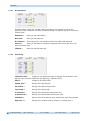
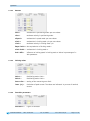
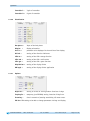
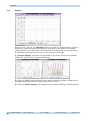
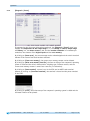
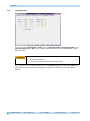
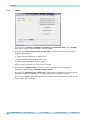
Operation 5.1.6 Settings The functions of Interface, Language, Licensed for and Activation code of the [Settings] menu item have been described under “Getting started”. By clicking on [Reset all parameters to basic state], complete reset to factory settings is triggered. By clicking on [Reset standard parameters to basic state] [Reset controller parameters to basic state] [Reset display parameters to basic state] only the above parameters are set to factory settings. By clicking on [Calibrate drive], the drive is set to a new actual value (see [Motor parameters], [Positioning], Calibration value / Offset). By clicking on [Software reset / Warm start], a warm start is triggered in the drive and the application software initialized (e.g. changed COM setting is taken into account). By clicking on [Print], the printer setup of the computer’s operating system is called and the active window can be printed. ProTool DriveLine Date: 13-08-2014 Art. no. 87891 Rev. status 310/14 Page 16 of 16