1
DynaSCAPE Design (version 4.3)
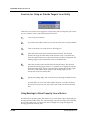
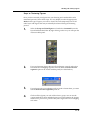
layer, line style, line weight or screen color. The following instructions will cover how
to use this filter to only select a specific layer:
1.
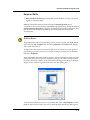
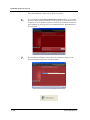
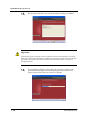
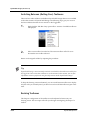
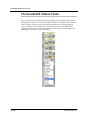
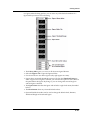
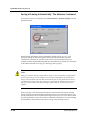
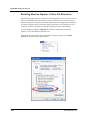
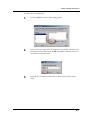
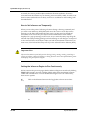
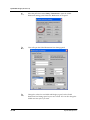
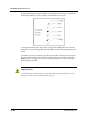
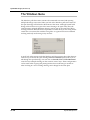
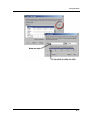
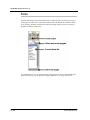
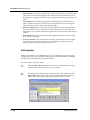
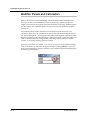
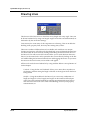
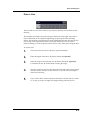
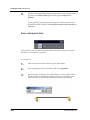
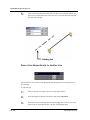
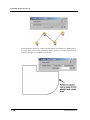
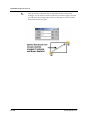
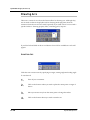
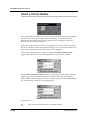
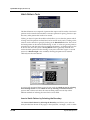
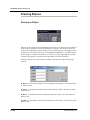
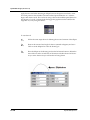
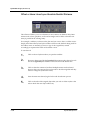
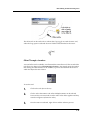
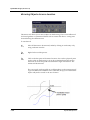
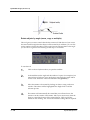
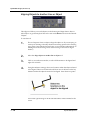
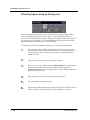
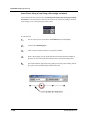
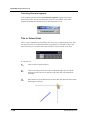
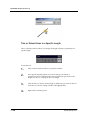
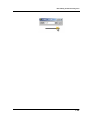
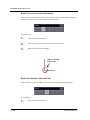
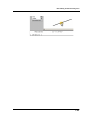
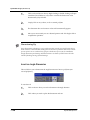
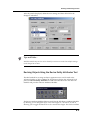
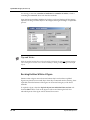
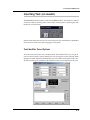
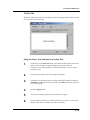
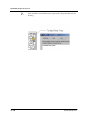
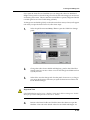
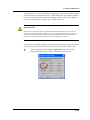
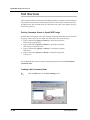
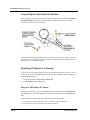
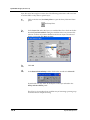
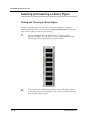
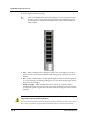
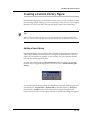
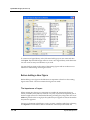
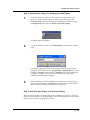
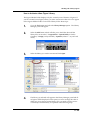
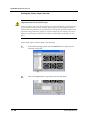
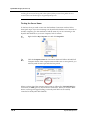
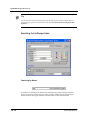
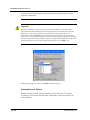
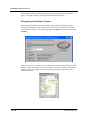
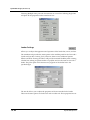
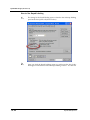
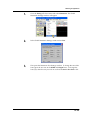
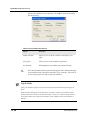
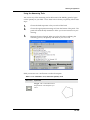
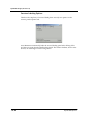
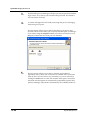
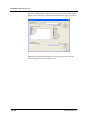
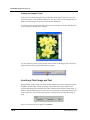
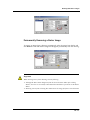
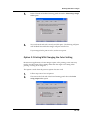
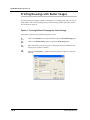
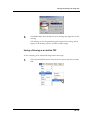
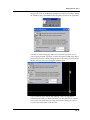
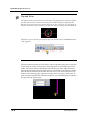
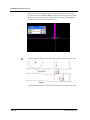
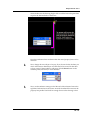
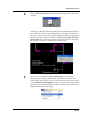
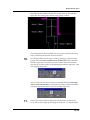
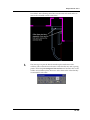
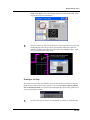
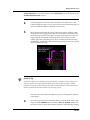
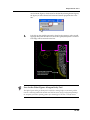
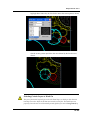
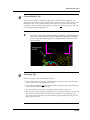
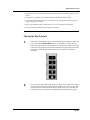
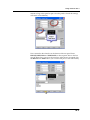
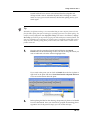
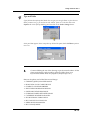
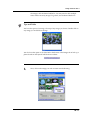
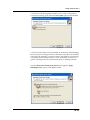
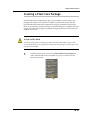
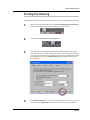
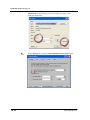
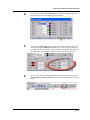
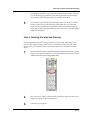
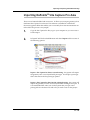
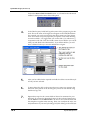
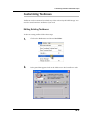
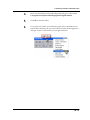
Click on the first tool, Set Entity Filter to open the Entity Selection Filters
panel.
Set Entity Filter
2.
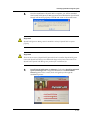
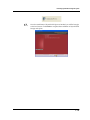
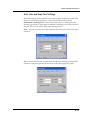
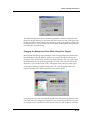
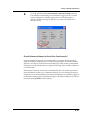
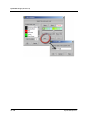
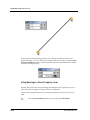
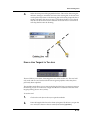
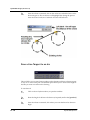
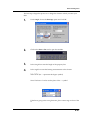
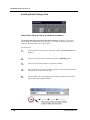
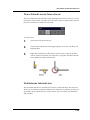
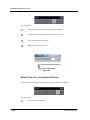
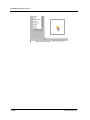
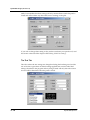
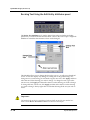
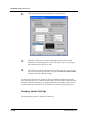
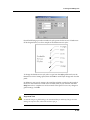
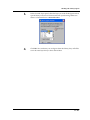
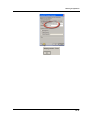
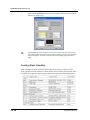
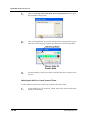
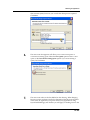
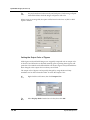
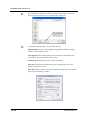
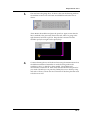
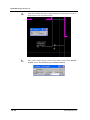
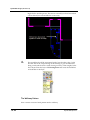
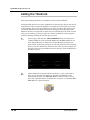
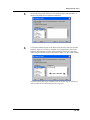
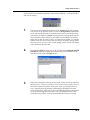
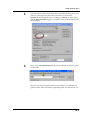
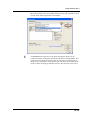
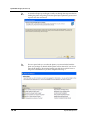
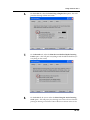
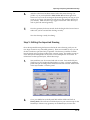
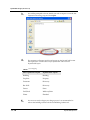
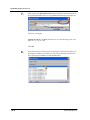
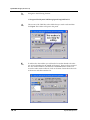
In the Layers List, select the layer you wish the filter. Put a check in the box
beside Layer filter enabled. Setting the modifier in this way instructs the
software to allow only entities drafted in the chosen layer to be selected
during a procedure like Move or Copy.
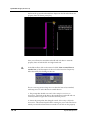
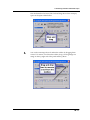
3.
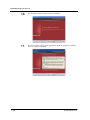
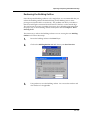
Click Ok.
4.
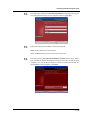
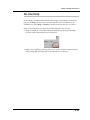
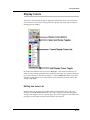
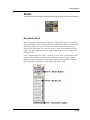
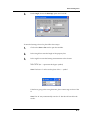
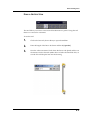
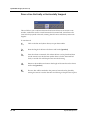
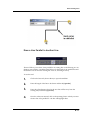
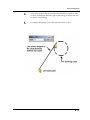
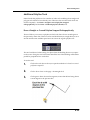
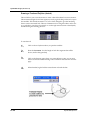
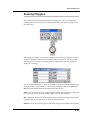
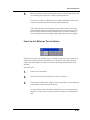
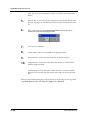
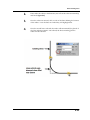
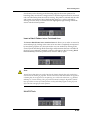
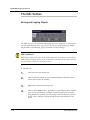
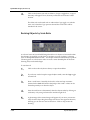
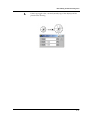
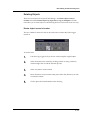
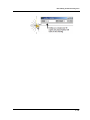
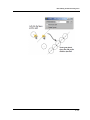
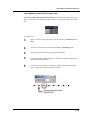
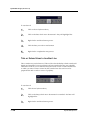
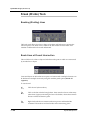
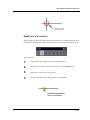
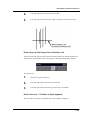
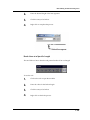
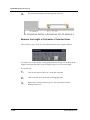
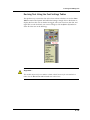
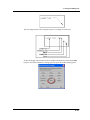
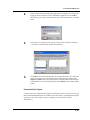
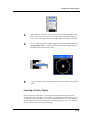
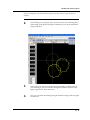
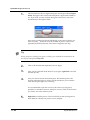
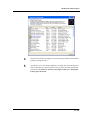
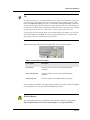
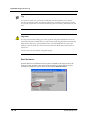
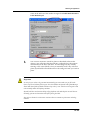
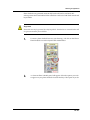
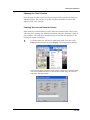
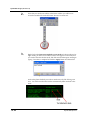
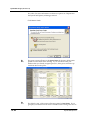
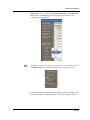
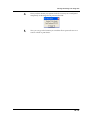
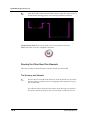
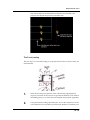
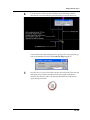
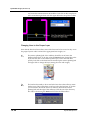
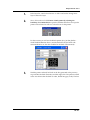
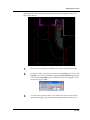
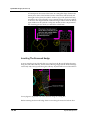
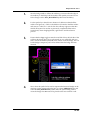
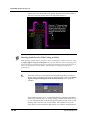
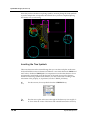
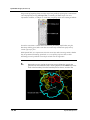
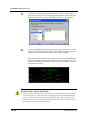
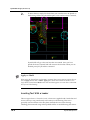
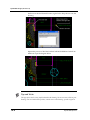
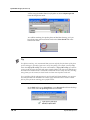
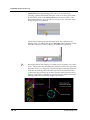
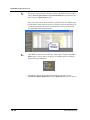
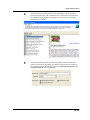
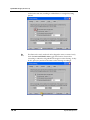
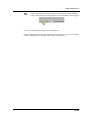
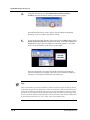
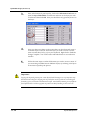
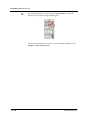
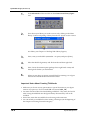
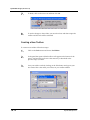
In the Data Selection:Entity toolbox click on the second tool: Select All.
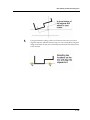
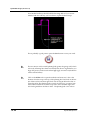
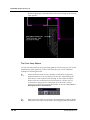
DynaSCAPE will only select all the objects on the layer selected in the
Entity Selection Filters panel.
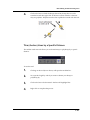
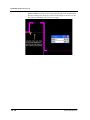
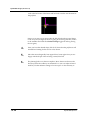
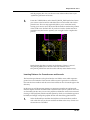
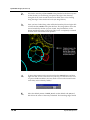
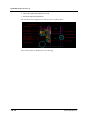
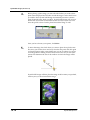
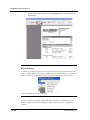
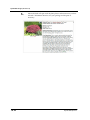
This Filter-by-Layer method is an excellent way of extracting a precise group
of entities from a complex drawing.
10.8
DynaSCAPE Software