1
DynaSCAPE Design (version 4.3)
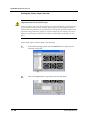
Downloading New Library Figures
If you have older versions of DynaSCAPE Design, you may not have all the latest
figures and libraries that DynaSCAPE Software has to offer. If you have accidentally
permanently removed DynaSCAPE Design figures, you may wish to get them back.
Current DynaSCAPE Design subscribers can download all available figure libraries
over the internet:
Locating the Figure Download Option
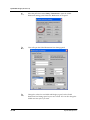
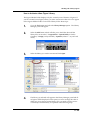
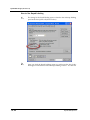
1.
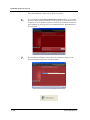
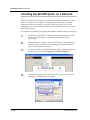
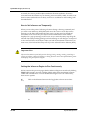
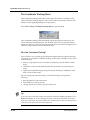
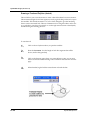
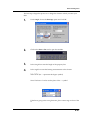
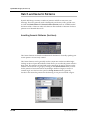
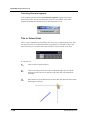
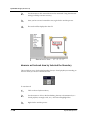
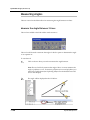
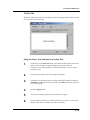
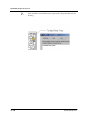
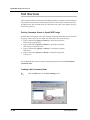
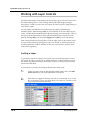
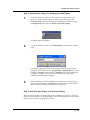
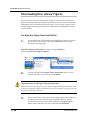
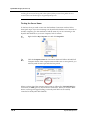
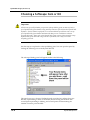
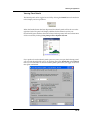
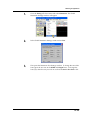
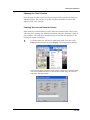
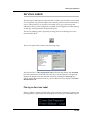
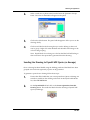
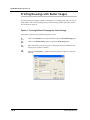
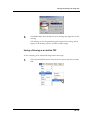
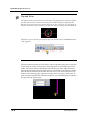
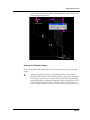
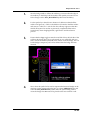
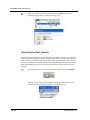
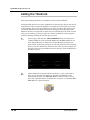
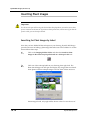
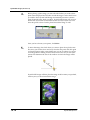
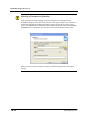
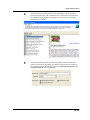
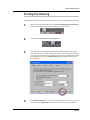
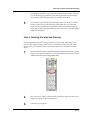
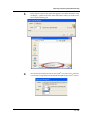
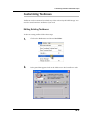
To find the location to download DynaSCAPE Figure Libraries, you must
be connected to the internet. Click on your Start button and navigate
through the following path:
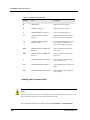
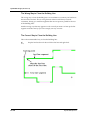
Start|All Programs|DynaSCAPE (or Garden Graphics)|Design (or
DynaSCAPE)|Download Figure Libraries.
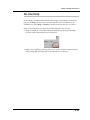
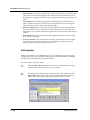
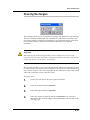
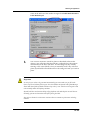
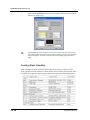
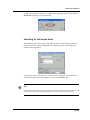
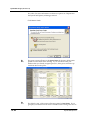
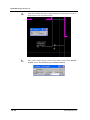
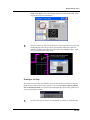
2.
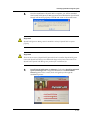
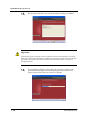
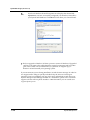
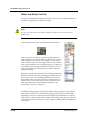
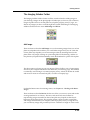
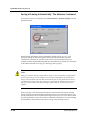
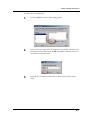
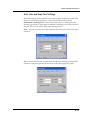
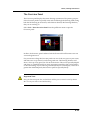
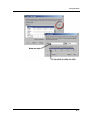
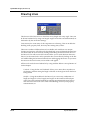
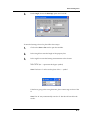
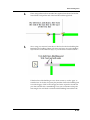
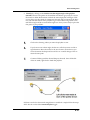
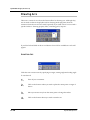
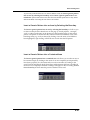
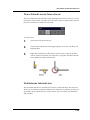
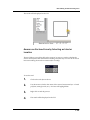
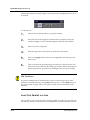
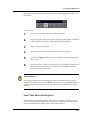
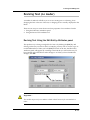
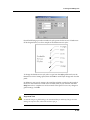
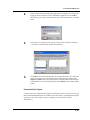
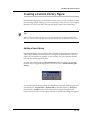
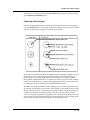
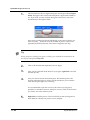
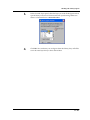
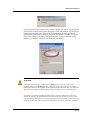
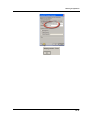
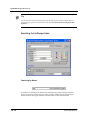
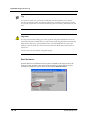
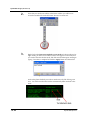
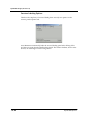
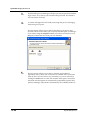
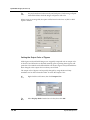
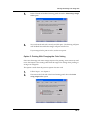
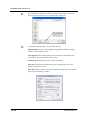
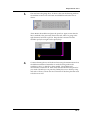
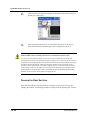
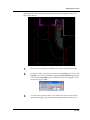
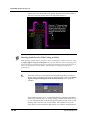
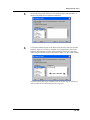
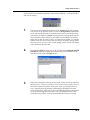
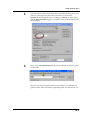
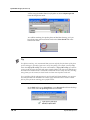
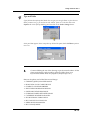
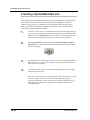
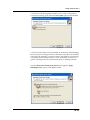
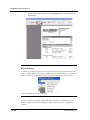
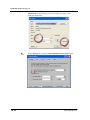
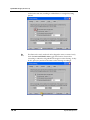
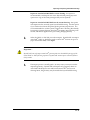
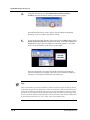
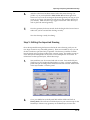
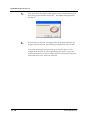
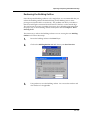
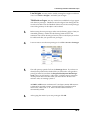
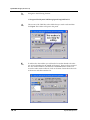
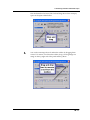
A panel will appear titled Figure Library Downloader. Once you have
read the instructions and are clear, click Continue.
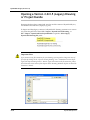
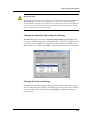
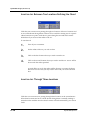
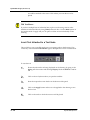
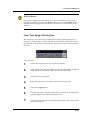
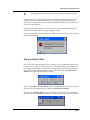
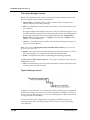
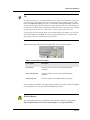
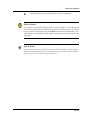
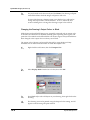
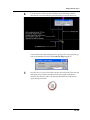
Important Note for the Figure Library Downloader
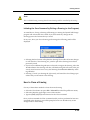
Please read the notes warning you that if you download a figure library that has the same name
as one you already have, it will be overwritten by the new one. Therefore, any figures you may
have added to that library will be lost.
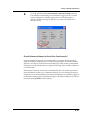
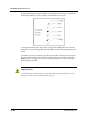
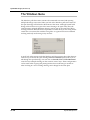
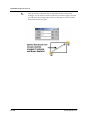
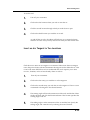
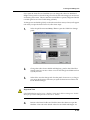
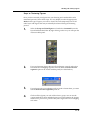
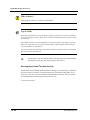
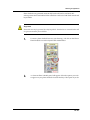
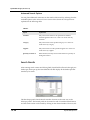
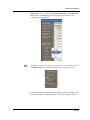
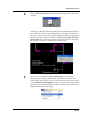
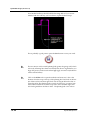
3.
11.28
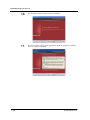
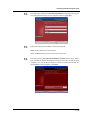
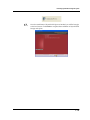
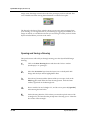
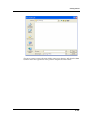
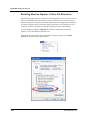
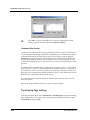
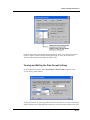
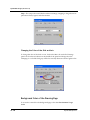
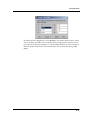
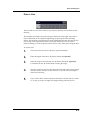
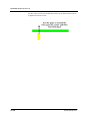
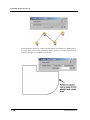
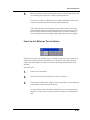
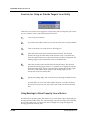
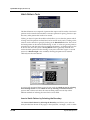
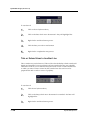
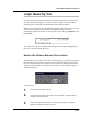
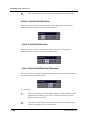
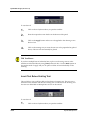
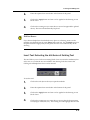
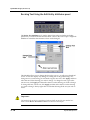
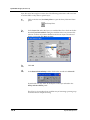
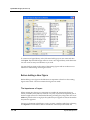
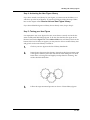
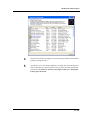
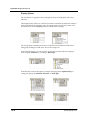
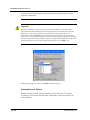
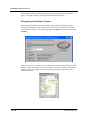
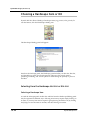
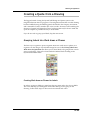
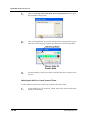
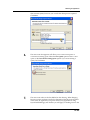
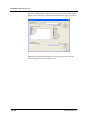
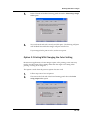
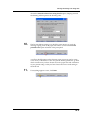
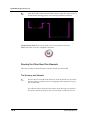
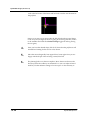
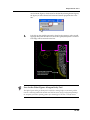
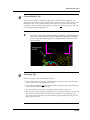
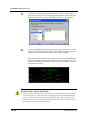
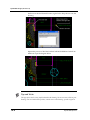
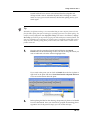
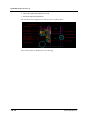
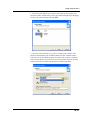
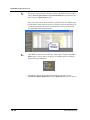
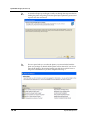
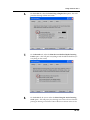
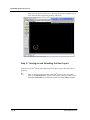
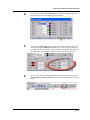
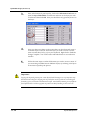
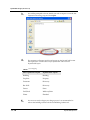
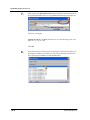
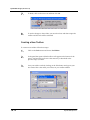
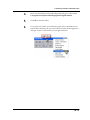
The next panel shown will contain a list of all the Figure Libraries that are
available to download. Those that are hi-lighted in blue are libraries
DynaSCAPE Software recognizes that are not in your Figure Library
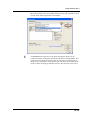
folder. Select the libraries you wish to add and click Download.
DynaSCAPE Software