1
DynaSCAPE Design
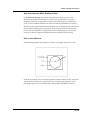
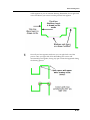
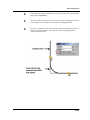
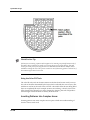
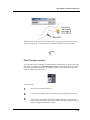
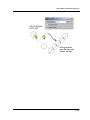
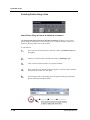
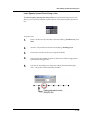
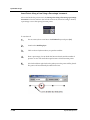
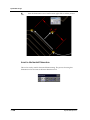
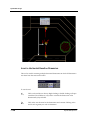
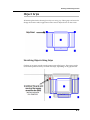
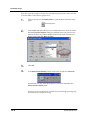
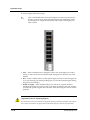
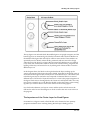
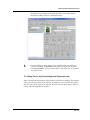
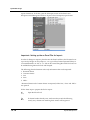
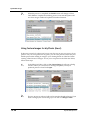
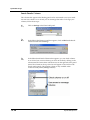
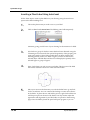
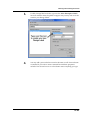
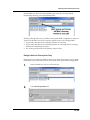
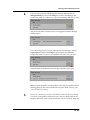
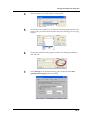
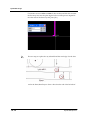
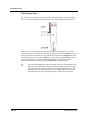
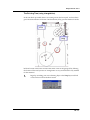
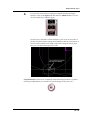
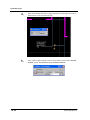
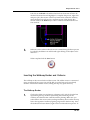
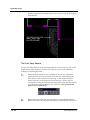
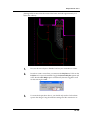
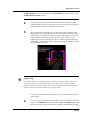
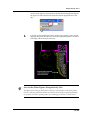
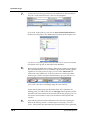
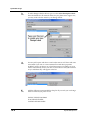
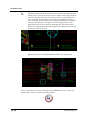
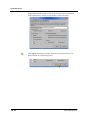
3. For any figures that do not have a closed outer ring, you will need to create one on
the Color Setup layer (e.g. Ornamental grasses).
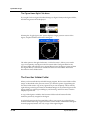
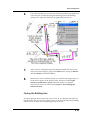
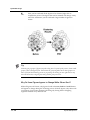
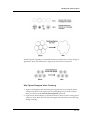
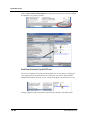
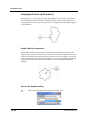
What Does the Outer Ring on the Color Setup Layer do?
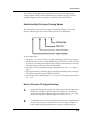
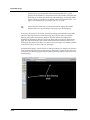
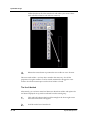
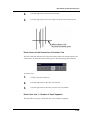
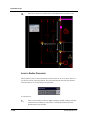
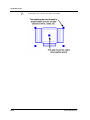
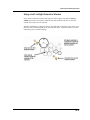
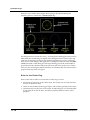
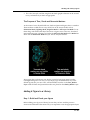
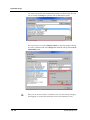
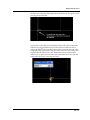
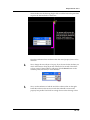
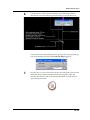
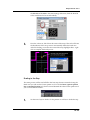
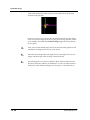
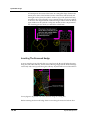
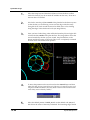
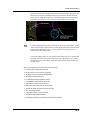
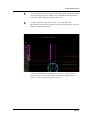
When figures that contain an outer ring on the Color Setup layer are grouped using
the cluster tool, this outer ring will remain intact, allowing DynaSCAPE Color to color
each individual figure in one step. Without this outer ring, some grouped figures will
color as a group (not individually) and others will not color at all. Even though the
Color Setup layer is not visible in the Design and Softscape Modes, DynaSCAPE
Color will still be able to find and color them.
Shrub Figures and Other Layers
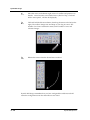
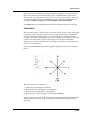
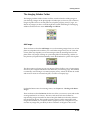
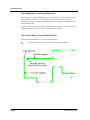
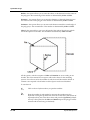
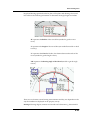
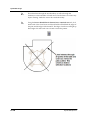
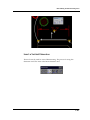
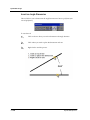
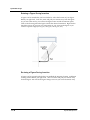
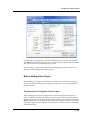
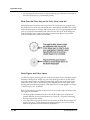
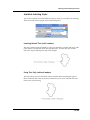
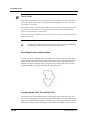
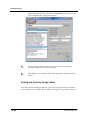
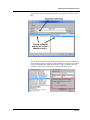
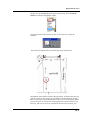
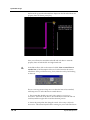
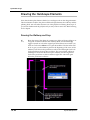
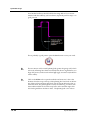
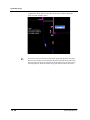
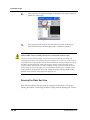
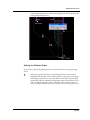
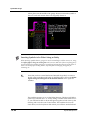
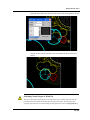
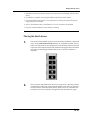
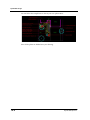
As with most figures, shrub figures are made up of multiple layers. The shrub graphic
elements of the figure are simply any part of the shrub figure that is not the cluster
ring or the shrub marker. In some figures the shrub graphic part of the figure is the
small circle in the center or branches or spokes radiating out from the center. Other
shrub figures have all shrub graphics, while others have no shrub graphics at all (just
a Cluster ring e.g. 1FT_PERENN).
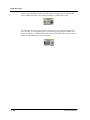
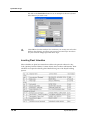
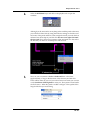
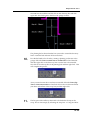
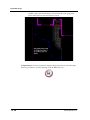
Here are the rules and possible variations for how the Shrub Graphic elements in the
new figure must be made:
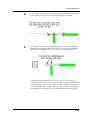
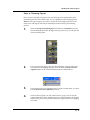
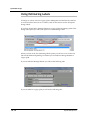
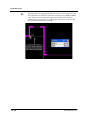
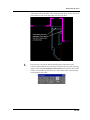
1. All shrub graphic elements must be on the Shrub Graphic layer, all perennial
graphic elements must be on the Perenn/GrCvr layer etc., except the cluster ring,
the color ring and the marker.
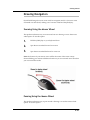
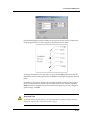
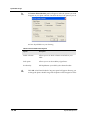
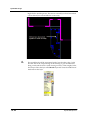
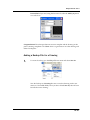
2. Any of the following types of entities may be used to draft the Shrub Graphic elements: Lines, Arcs, Circles, Polylines, Rectangles, Polygons, Text, Points, Hatch
Patterns (Exploded) and Section Patterns (Exploded).
11.20
DynaSCAPE Software