1
(
#"
$%
7
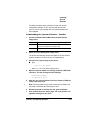
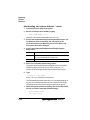
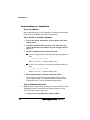
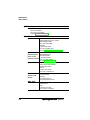
where filename is the name of the system file.While the system
software is loading, the Online LED blinks off and on, and
the message window displays
Downloading image
8
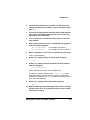
At the ftp> prompt, end the ftp session by typing
quit↵
9
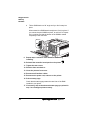
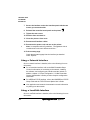
When the Disk light stops flashing and the printer’s message
window reads Idle for at least 30 seconds, turn the printer
off and then on again.
10 Restart the printer to activate the new system software.
11 Print another advanced status page, and verify that the configuration settings are the same.
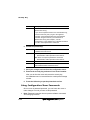
The following error pages print if downloading the system software
was unsuccessful. The possible problems listed may give you an idea
as to what went wrong with the download. Each error page lists one
of the following two-line messages, the name of the product, and the
upgrade system release number.
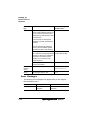
Error Message
Possible Problem
Unable to replace FLASH image
due to insufficient memory!
The system cannot use 64 MB—you
need to add more memory.
Unable to reprogram FLASH due to
error in image contents!
Error detected in file or it did not
understand the file—try to resend.
Unable to reprogram FLASH due to
inability to locate imagefile!
Possibly a low memory error—you
need to add more memory.
Unable to replace FLASH image due
to product uncompatibility!
Wrong system code sent—possibly
for another QMS printer.