1
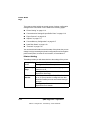
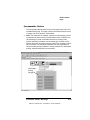
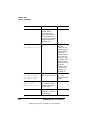
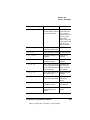
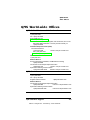
Printer Home
Page
Options
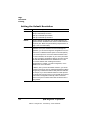
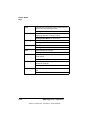
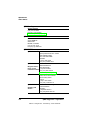
Disk(s)
Identifies how many hard disks are attached to the
printer and what their addresses are.
Configuration Menu: No equivalent
Emulations
Identifies the installed emulations.
Configuration Menu: No equivalent
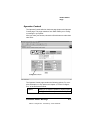
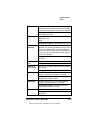
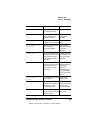
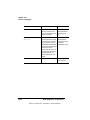
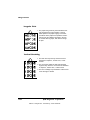
Current Memory Configuration
Memory configuration affects the number of jobs that can be
accepted by the printer, the number of options available simultaneously, the number of downloadable fonts and emulations that can
be stored, and overall printer performance.
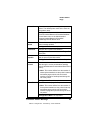
Host Input
Spool
Shows the size (in KB) of the Host Input field, also
known as K Mem for Spool. This memory client
stores incoming data from all the interfaces until
the emulation can process the print job.
Configuration Menu: Administration/Memory/
Manual Config/K Mem for Spool
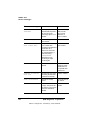
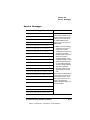
Display List
Shows the size (in KB) of the Display List, also
known as K Mem Display. This client stores
compressed representations, or blocks, of the
pages to be printed.
Configuration Menu: Administration/Memory/
Manual/Config/K/Mem Display
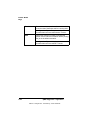
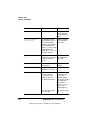
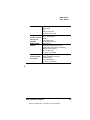
PostScript
Font Cache
Shows the size (in KB) of the Font Cache, also
known as K Mem for PS Fonts. This memory client
stores bitmapped representations of previously
scaled PostScript fonts.
Configuration Menu: Administration/Memory/
Manual Config/K Mem for PS Fonts
CrownView Printer Web Page
EDNord - Istedgade 37A - 9000 Aalborg - telefon 96333500
6-17