1
ADT Model 7100 Semi-Automatic Dicing System Operations Manual
Dress Station
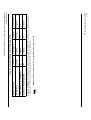
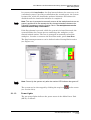
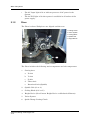
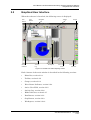
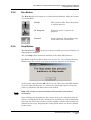
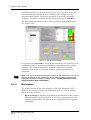
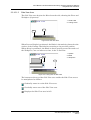
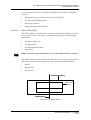
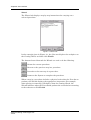
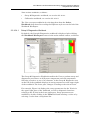
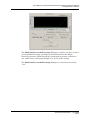
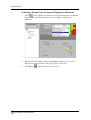
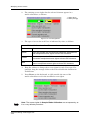
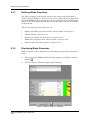
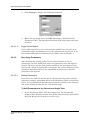
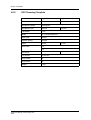
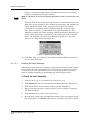
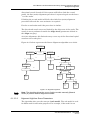
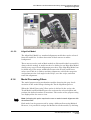
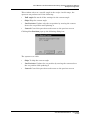
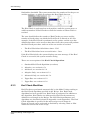
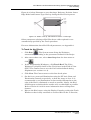
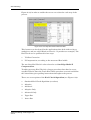
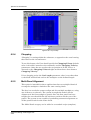
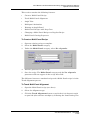
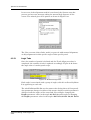
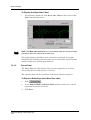
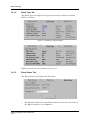
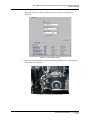
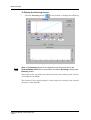
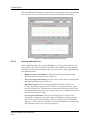
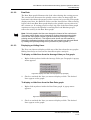
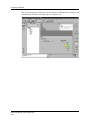
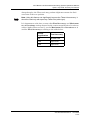
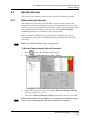
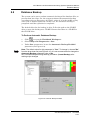
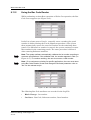
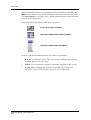
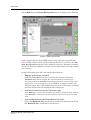
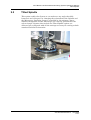
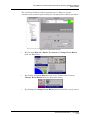
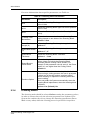
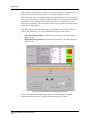
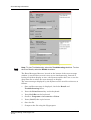
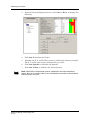
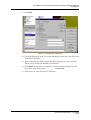
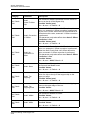
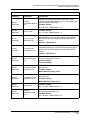
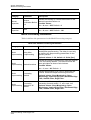
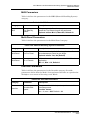
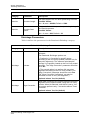
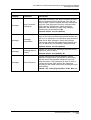
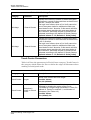
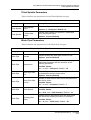
The new Dress Station position parameters (see Figure 9-21) are
automatically updated upon running the Changing Dress Block procedure.
Figure 9-21: Dress Station Screen
•
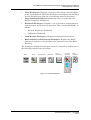
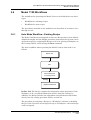
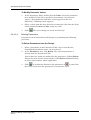
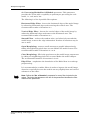
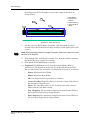
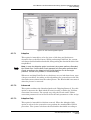
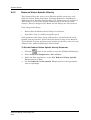
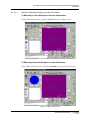
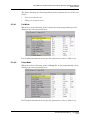
By selecting Manual > Blade Treatment > Change Dress Block
from the Menu Bar;
•
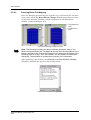
By clicking the Dress Block button in the Toolbar and selecting
Change Dress Block from the drop-down menu;
•
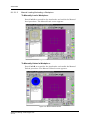
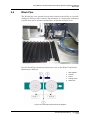
By clicking the Change Dress Block button in the Dicer setup screen.
P/N 97100-9002-000-14
Ver 06/05
9.3-3