1
ADT Model 7100 Semi-Automatic Dicing System Operations Manual
Blade Handling
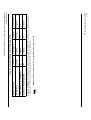
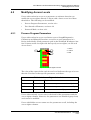
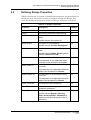
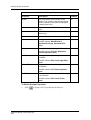
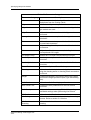
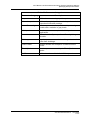
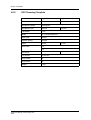
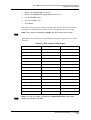
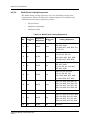
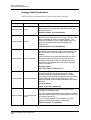
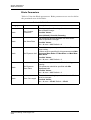
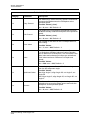
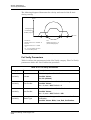
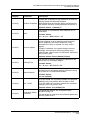
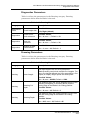
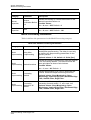
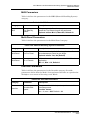
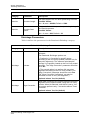
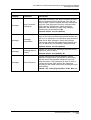
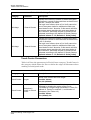
Table 7-3: Dressing Parameters
Parameter
Description
Dressing Cut Depth
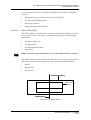
The distance along the Z-Axis between the top of
the Dressing Workpiece (or Dressing Block) and
the cutting edge of the Blade in its cutting position.
Dressing Index
The distance along the Y-Axis between adjacent
cuts in a Workpiece.
Additionally, in the Wafer Type property of the Recipe, the type of
Workpiece must be defined as a Dressing Wafer or a Dressing Block.
7.4.3.4.1
Manual Dressing With a Dressing Workpiece
Dressing is performed automatically after a Blade change when specified
in the Recipe. The User can also initiate the Dressing process at any time
by performing the following procedure.
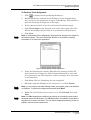
To Perform Dressing Manually:
1
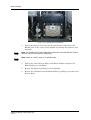
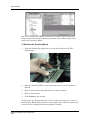
Place a Dressing Workpiece on the Cutting Chuck.
2
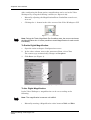
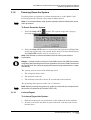
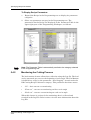
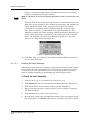
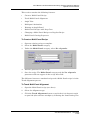
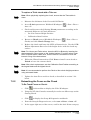
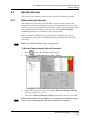
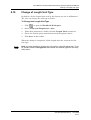
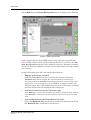
From the Manual menu, select Blade Treatment > Dressing. The
label is displayed below the Run button, and the user is
prompted to load the dressing workpiece.
3
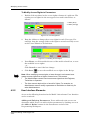
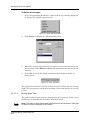
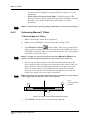
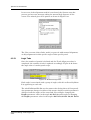
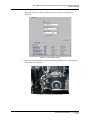
Perform manual Alignment following the instructions given by the
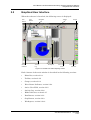
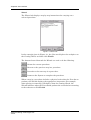
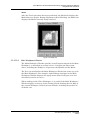
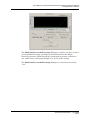
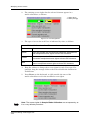
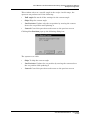
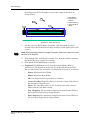
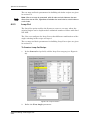
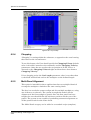
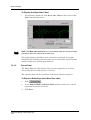
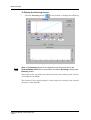
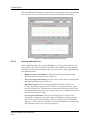
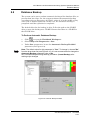
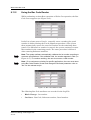
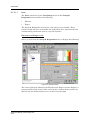
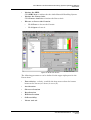
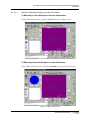
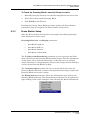
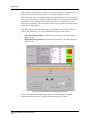
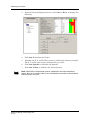
wizard. After the Alignment is finished, the Dressing screen (Figure 722) is displayed.
4
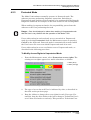
Click Continue to perform Blade Dressing or Exit to quit.
When Dressing is in progress, selecting Blade Treatment > Dressing
from the Manual menu, displays the Dressing Policy dialog box with the
buttons Abort, Retry and Ignore. This enables the User to stop and
restart the Dressing process.
7.4.3.4.2
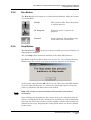
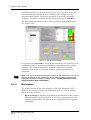
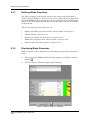
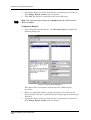
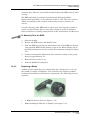
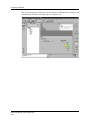
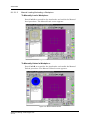
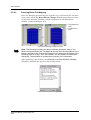
Dressing Screen
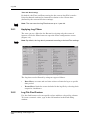
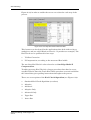
Information about the Dressing process is displayed in the Dressing
screen.
P/N 97100-9002-000-14
Ver 06/05
7.4-21