1
m3cd_us.bk : msg.fm5 Page 59 Wednesday, March 1, 2000 11:30 AM
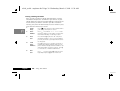
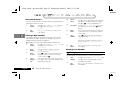
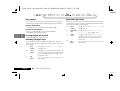
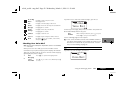
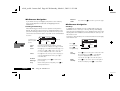
Go To Msg
Menu
Press a to return your phone to the
Messaging Menu.
Exit
Press a to exit Messaging to idle mode.
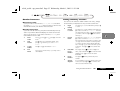
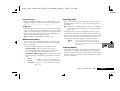
Delete
Message
Press a to delete the currently selected Caller ID.
Press a again to confirm.
Delete
AllMsgs
Press a to delete all your Caller IDs.
Press a again to confirm.
CallBack
Press a to return the call.
Store To
Mem
Press a to begin storing the number. Enter a
two-digit location, select a label, enter a name,
and press à again.
Checking Your Voice Mail
ANetwork and subscription dependant feature. Not available
in all areas.
When you receive Voice Mail, your Service Provider sends a
notification to your phone and your phone displays an indicator.
That way, you will be able to check for new Voice Mail simply by
glancing at your phone’s display.
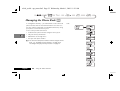
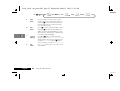
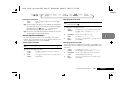
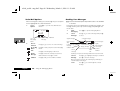
1
Enter
Press ¿ to open the Messaging Menu.
Messaging
2
Select
Voice Mail
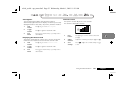
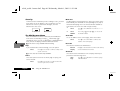
If you have one or more Voice Mail messages, you will see:
12 25
You Have
Voice Mail
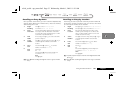
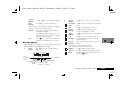
To listen to your messages, dial your access number. Your phone will
do this automatically with one key press.
Dial
Number
When viewing notifications, press ¾ or press
and hold a to call your Voice Mail box.
See the following page for more options.
ASome Service Providers send the Voice Mailbox number to
your phone automatically. If the number has not been sent,
then store it in location 98 of your Phone Book. To learn
how, see Pause Dialing on page 28.
i Press and hold ¿ to call your Voice Mail number.
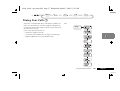
If you have no new messages, you will see:
12 25
No
Voice Mail
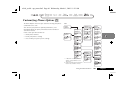
Press q or Z to scroll to Voice Mail and press a
to select.
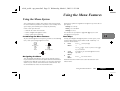
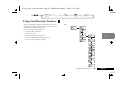
Using the Messaging Menu
59
English