1
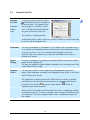
Text Editor
Toolbar
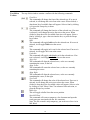
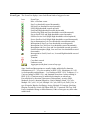
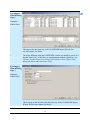
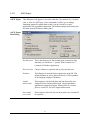
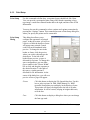
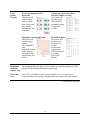
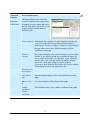
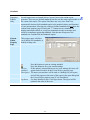
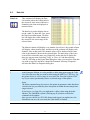
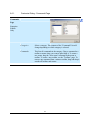
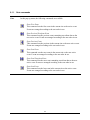
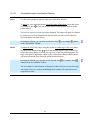
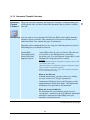
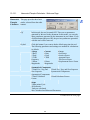
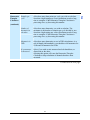
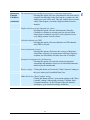
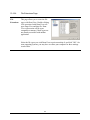
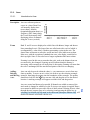
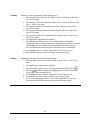
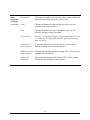
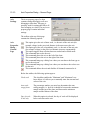
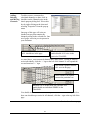
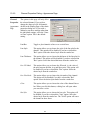
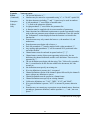
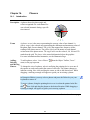
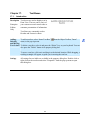
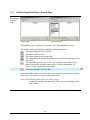
The top of this window contains a toolbar with the following commands.
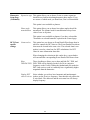
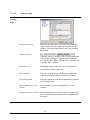
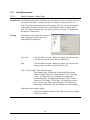
Font Face
This command will change the font of the selected text. If no text is
selected, it will change the active font at the cursor. When clicked, a
drop-down list of available fonts will appear. Select a font by clicking
it, or press the Escape key to abort.
Font Size
This command will change the font size of the selected text. If no text
is selected, it will change the active font size at the cursor. When
clicked, a drop-down list of available font sizes will appear. Select a
font by clicking it, type a font size into the box, or press the Escape
key to abort.
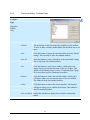
Bold
This command will toggle bold text for the selected text. If no text is
selected, it will toggle bold text at the cursor.
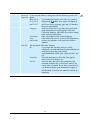
Italic
This command will toggle italic text for the selected text. If no text is
selected, it will toggle italic text at the cursor.
Underline
This command will toggle underlined text for the selected text. If no
text is selected, it will toggle underlined text at the cursor.
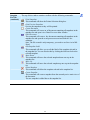
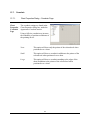
Align Left
This command will align the selected rows, or the row currently
containing the cursor, to the left.
Align Center
This command will center the selected rows, or the row currently
containing the cursor.
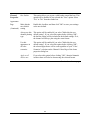
Align Right
This command will align the selected rows, or the row currently
containing the cursor, to the right.
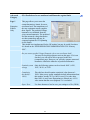
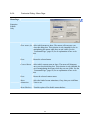
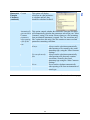
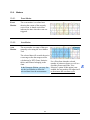
Text Color
This command will change the color of the selected text. If no text is
selected, it will change the active text color at the cursor. When
clicked, a drop-down list of available colors will appear. Select a color
by clicking it, click "More Colors" for advanced color selection, or
press the Escape key to abort.
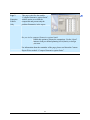
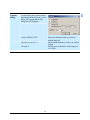
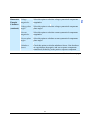
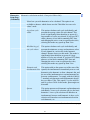
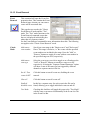
Bullet List
This will toggle a bullet list at the cursor position.
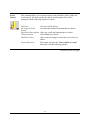
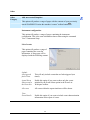
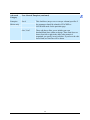
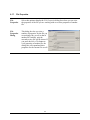
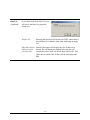
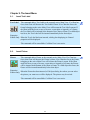
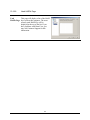
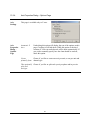
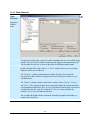
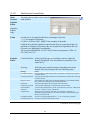
Start MS-Word
This command will create a temporary .doc document and open the
word processor associated with the .doc extension.
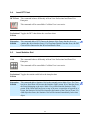
Note: The file created is only temporary; you need to use Save-As in
MS-Word.
Continued on the next page
18
Dran-View 6 User Guide