1
Using 1 Cycle Waveform Analysis, Continued
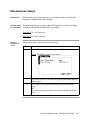
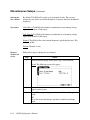
One-cycle
functionalities
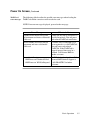
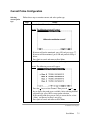
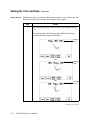
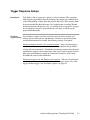
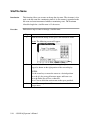
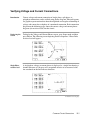
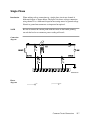
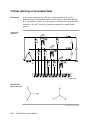
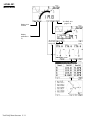
Follow these steps to display one cycle waveform functionalities.
Step
1
Action
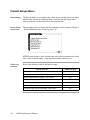
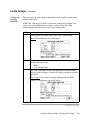
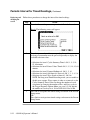
Press 1 Cycle from the record waveform display screen (see page
10-11).
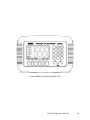
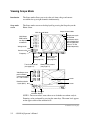
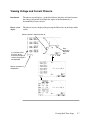
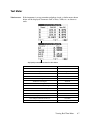
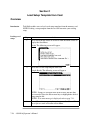
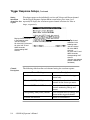
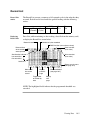
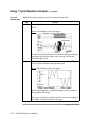
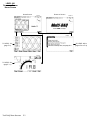
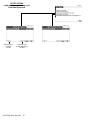
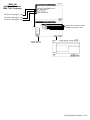
Result: The following screen will appear.
DAQ326
2
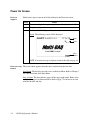
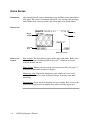
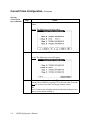
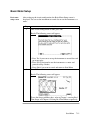
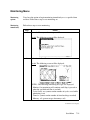
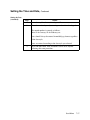
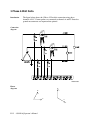
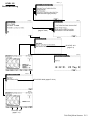
Use the numeric keypad to move the zoom box when selecting the
waveform cycle that you want to view (see page 10-9 for the
Zoom box help screen).
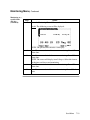
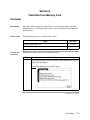
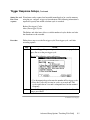
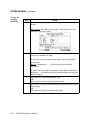
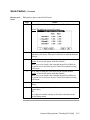
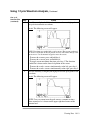
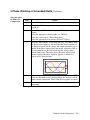
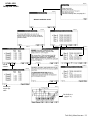
Press Scope to display the one cycle waveform as below OR press
Cancel to quit and return to the previous screen.
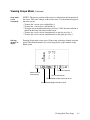
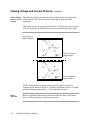
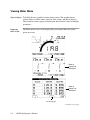
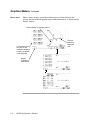
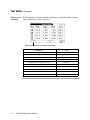
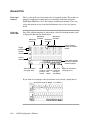
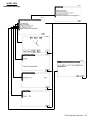
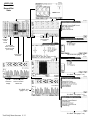
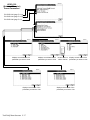
Result: The following screen will appear.
DAQ327
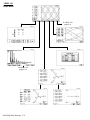
For Channel, Harmonics, and Phasor displays, refer to Chapter 5
Viewing Real Time Scope.
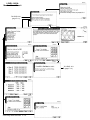
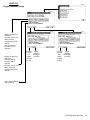
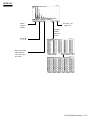
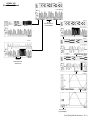
For one cycle transient waveform analysis (crest and waveshape),
press More and proceed to step 3 next page.
Continued on next page
10-12 4300-DAQ Operator’s Manual