1
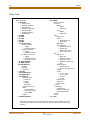
Menu
4-5
Chapter 4 - Configuration Via Menus
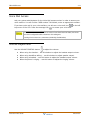
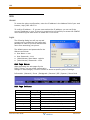
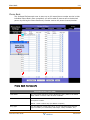
This is the first display shown when you press the left soft key.
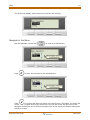
Navigate in the Menu
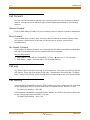
Use the Navigator Control key
Press
to scroll to a desired item.
to enter the sub-tree for the selected item.
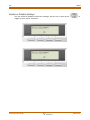
Press
to confirm and save the setting of a specific item. Thereafter, the menu will
roll back to the upper level of the menu tree. You can also press the left arrow of the
Navigator Control key to roll back to the upper level of the menu tree without causing the
system to resave.
Xcelerator IP User Guide
March 2007