1
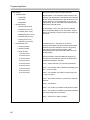
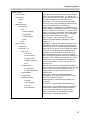
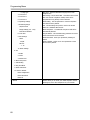
Product Overview
Operation
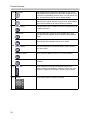
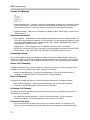
Phonebook
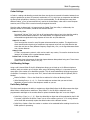
Redial
ICON
Description
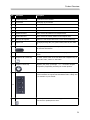
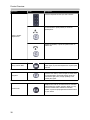
Press the phonebook button to store or dial one of 200
personal phonebook (address book) entries.
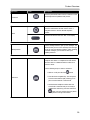
Redial stores the last 30 numbers that you dialed.
Press the redial button and then use the down 6
navigation button to find the desired telephone
number.
Press the soft button under the “Dial” in the display
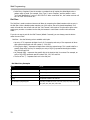
Message Button
Use the message button to pick up new messages. You
will know that you have a new message when the light
bar at the top of the display is flashing. When checking
voicemail messages, you will have to enter your
mailbox password.
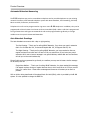
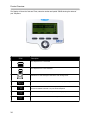
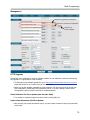
X-44 users can create a conference with up to 2
telephone line callers or 1 telephone line and another
intercom caller or 2 additional intercom callers for a
total of 3 callers.
Use the following steps to create a conference
• While on a call press the hold
Conference
button
• Press the down navigation key. This will open a
second communications path, allowing you to
place a second internal or external call.
• Dial the desired telephone number after the
second call is answered and you are ready to
establish the conference, press the conference
button, and you and the other two parties
will be joined in a single conversation.
39