1
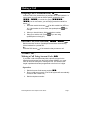
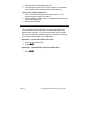
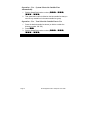
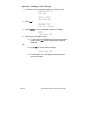
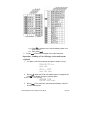
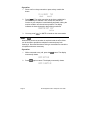
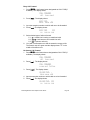
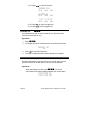
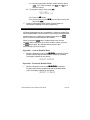
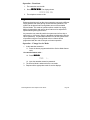
4.1.1.Press [more] to view the screens.
JOHNSON BILL
dial more del
8135551401
dial more del
9/19 4:32 PM
dial more del
4.1.2.Press [del] to delete a logged call.
4.1.3.Press [dial] to dial a logged call.
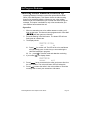
Default Set
'
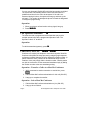
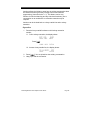
Use Default Set to clear all active modes at your extension (Call
Forward, Do Not Disturb, etc.)
Operation
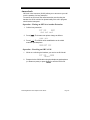
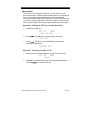
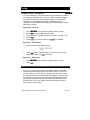
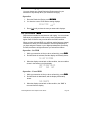
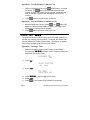
1. Press '.
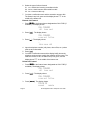
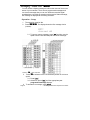
2. The display shows the following screen to confirm the intention:
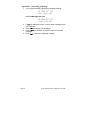
DEFAULT SET
go
3. Press [go] to invoke the operation.
4. You hear a confirmation tone and the operation is complete.
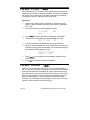
Dial Pad Confirmation/Touch Tone '
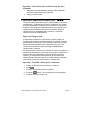
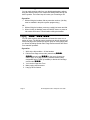
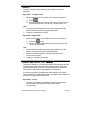
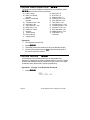
Dial Pad Confirmation is the tone you hear to confirm that you have
pressed a button on the Dial Pad. Touch tone can be disabled.
Operation
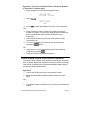
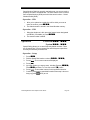
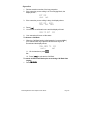
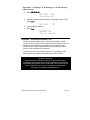
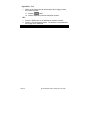
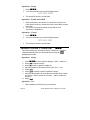
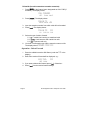
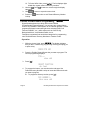
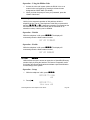
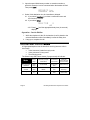
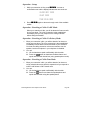
While the telephone is idle, press '. You hear a
confirmation tone and the display indicates the current status.
TOUCH TONE ON
TOUCH TONE OFF
Page 46
DX-80 Digital Executive Telephone User Guide