1
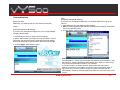
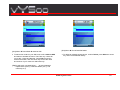
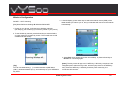
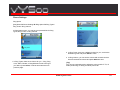
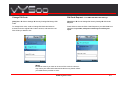
Date & Time
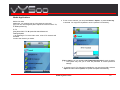
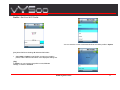
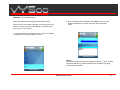
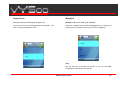
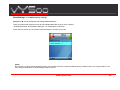
Language
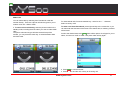
[Hint] Menu Î Phone Settings Î Date & Time
[Hint] Menu Î Phone Settings Î Language
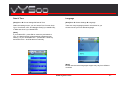
Within this settings menu, you can set the Time Format, Clock
Type, Time Zones, NTP, and Daylight Time(if you enable NTP),
or Date and Clock if you disable NTP.
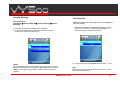
There are many languages preset in this device for you
Choose one as your own default language!
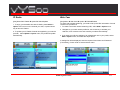
[Note]
If you enable NTP – press Edit or center key and switch to
Yes – the date and time will automatically update and last
walking. Or you can disable NTP -- press Edit or center key
and switch to No – and Edit the time manually.
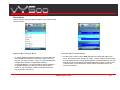
[Note]
Please note that actual languages support may vary from different
countries!
www.vysoo.com
21