1
620 Series IPPhone
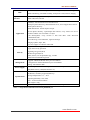
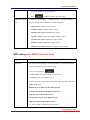
rootpw
Ultrative
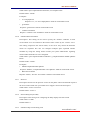
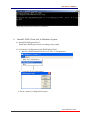
5.2.2 Run slapd server
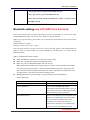
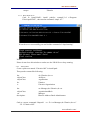
Cmd to OpenLDAP’s install path,for example,”cd
Files\OpenLDAP” , then run the command “slapd –d 1”
c:\Program
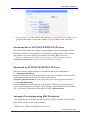
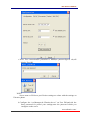
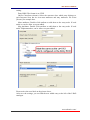
If run the server successfully,you can find the command of “slapd starting”
NOTE:
Please do not close this window to make sure the LDAP Server keep running.
5.2.3
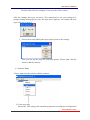
Add contact
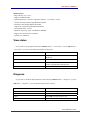
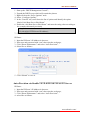
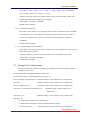
Create a plain text named “Ultrative.ldif” in install path.
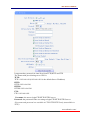
Then put the content like following:
dn:
objectClass:
objectClass:
dc:
o:
dc=Ultrative,dc=cn
dcObject
organization
Ultrative
Ultrative Organization
dn:
objectClass:
cn:
description:
cn=Manager,dc=Ultrative,dc=cn
organizationalRole
Manager
Ultrative Address Book Administrator
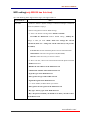
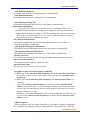
Cmd to execute command “ldapadd
–W –f Ultrative.ldif”.
-xv –D “cn=Manager,dc=Ultrative,dc=cn”
www.ultrative.com/
Ultrative Communication Co.,Ltd