1
CaseViewNet Linksys E1200 Router Guide
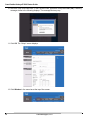
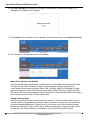
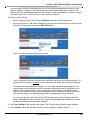
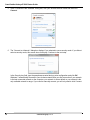
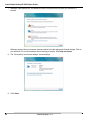
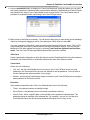
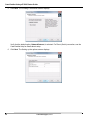
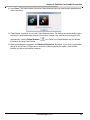
16. Click Save Settings at the bottom of the screen. Click OK at the confirmation message. The
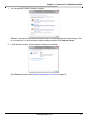
“Settings are successful screen” displays.
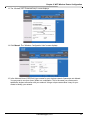
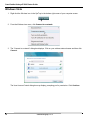
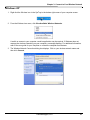
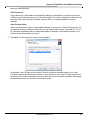
17. Click Continue. The “Wireless” screen redisplays. On the Wireless menu, select Wireless security.
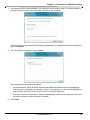
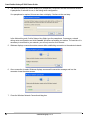
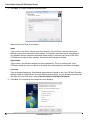
18. The “Wireless, 2.4 Wireless Security” screen displays.
Network Security with CaseViewNet
The CaseViewNet realtime data stream is always secure. CaseViewNet communicates with Case
CATalyst over any network connection without any file sharing or opening of special ports.
CaseViewNet clients receive a personal 1024-bit SSL Certificate signed by Stenograph. All data
transferred between the Case CATalyst server and CaseViewNet is securely encrypted with AES256 over the SSL connection established with this certificate. A CaseViewNet password is necessary
for any client to view the Case CATalyst realtime feed.
Setting a Security Mode
Setting a security mode for your wireless network is optional. A security mode provides a secure
wireless network using passphrase protection. Other computers can only access your network by
using the designated passphrase. Others may see your network in their list of available wireless
networks but are unable to log onto the network without the passphrase. When a security mode is
not selected, your wireless network is accessible to anyone within the connection radius.
12
© 2012 Stenograph, L.L.C.