1
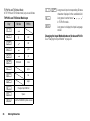
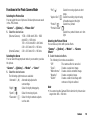
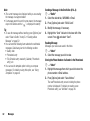
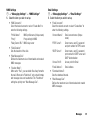
Changing the List Displayed
Add New
“Call Manager” → “Phonebook Settings” → “Source”
1. Select “Handset” or “SIM”.
You can choose either the phone or SIM/USIM card memory
locations to store the new entry. For switching locations, see
“Selecting the Storage Memory”.
The amount of phone numbers that you can store to the SIM/
USIM card is dependent on its capacity. Contact your network
operator for details.
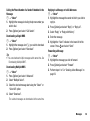
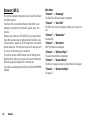
“Call Manager” → “Phonebook” → “Add New”
If you select the “Choice” option for the memory to be used, the
selection is between “To Handset” and “To SIM”.
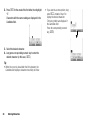
1. Select the field you wish to fill in, and enter the relevant
information.
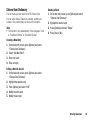
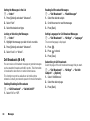
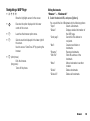
Selecting the Storage Memory
“Call Manager” → “Phonebook Settings” → “Save to”
1. Select “Handset”, “SIM” or “Choice”.
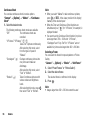
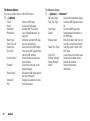
Sorting the Phonebook List Order
You can change the listing order of the Phonebook entries
between by pinyin order or by group.
“Call Manager” → “Phonebook Settings” → “View
Phonebook”
1. Select “By PinYin” or “By Group”.
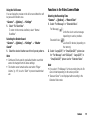
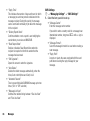
Selecting the Search Mode
“Call Manager” → “Phonebook Settings” → “Search
Mode”
1. Select “Character Search”, “PinYin Search” or “English
Search”.
44
Call Manager
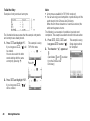
2. Press [Save] when finished.
Tip
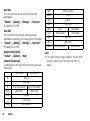
• To create an entry, at least one field must be filled (“Last
Name”, “First Name”, “Add Phone Number” or “Add Email
Address” for the handset memory; “Name”, “Add Phone
Number” or “Add Email Address” for the SIM/USIM memory).