1
Basic editing
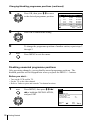
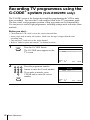
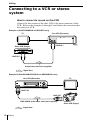
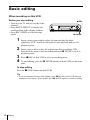
When recording on this VCR
Before you start editing
• Turn on your TV and set it to the video
channel.
• Press INPUT SELECT to display the
connected line in the display window.
• Press REC SPEED to select the tape
speed.
1
2
3
4
z REC
X PAUSE
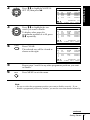
Insert a source tape with its safety tab removed into the other
(playback) VCR. Search for the point to start playback and set it to
playback pause.
Insert a tape with its safety tab in place into this (recording) VCR.
Search for the point to start recording and press X PAUSE to set it to
playback pause.
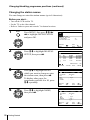
Press z REC on this VCR to set it to recording pause.
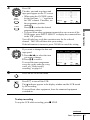
To start editing, press the X PAUSE buttons on both VCRs at the same
time.
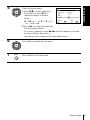
To stop editing
Press the x STOP buttons on both VCRs.
Tip
• To cut out unwanted scenes while editing, press X PAUSE on this VCR when an
unwanted scene begins. When it ends, press X PAUSE again to resume recording.
62
Editing