1
Introduction
1-5
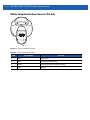
LED Indicators
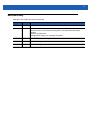
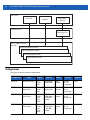
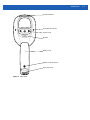
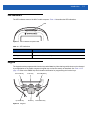
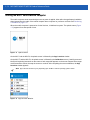
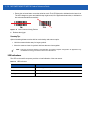
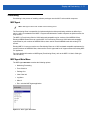
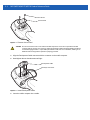
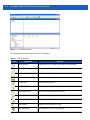
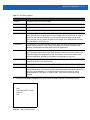
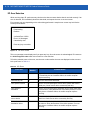
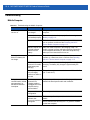
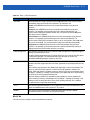
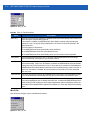
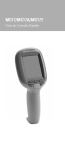
The LED indicates status of the MC17 mobile computer. Table 1-2 describes the LED indications.
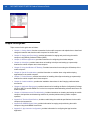
LED
Figure 1-3 MC17 Mobile Computer LED
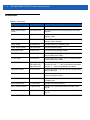
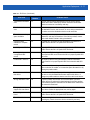
Table 1-2 LED Indications
LED State
Indication
Solid red
Scanner is enabled.
Solid green
Bar code decoded successfully.
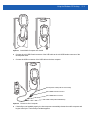
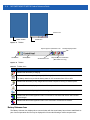
Keypad
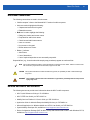
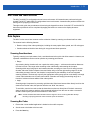
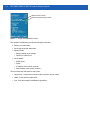
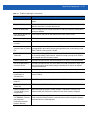
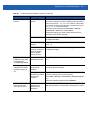
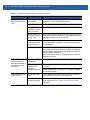
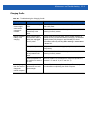
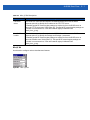
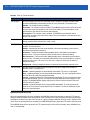
The keypad contains programmable function keys and a Scan key. Note that keypad functions can be changed
by an application so the mobile computer’s keypad may not function exactly as described. See Table 1-3 on
page 1-6. Refer to the EMDK Help file for detailed information for programming the function keys.
Scroll Left Key
Enter Key
Up Arrow Key
Scan Key
Figure 1-4 Keypad
Scroll Right Key
Down Arrow Key