1
7 Usin g P hon e
Phone operation
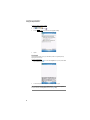
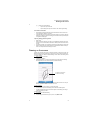
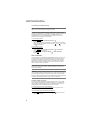
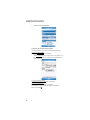
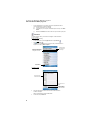
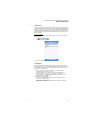
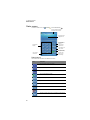
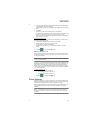
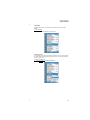
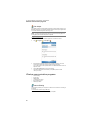
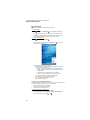
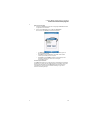
Answering a call
•
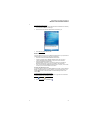
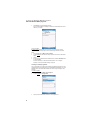
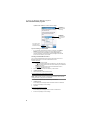
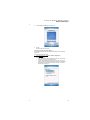
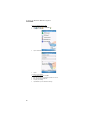
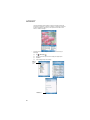
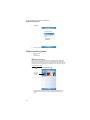
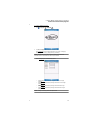
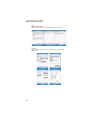
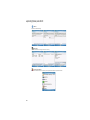
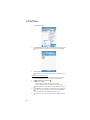
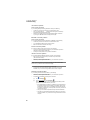
On the Call Notification callout, tap Answer or press the Send
button.
Rejecting a call
•
On the Call Notification callout, tap Ignore or press the End
button.
Depending on your mobile service subscription, either a busy tone is sent
out, or the call is forwarded to your voice mailbox.
Ending a call
•
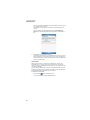
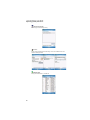
Tap End
or press the End
button.
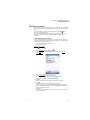
Adjusting the phone volume
To adjust the phone volume, you must do so during a call. If you adjust the volume at
another time it only affects the level of the system sounds (i.e., ring and notification
alerts, .wmv/MP3 playback).
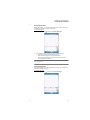
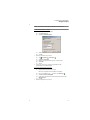
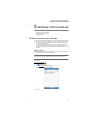
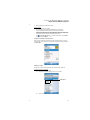
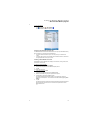
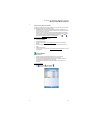
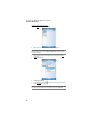
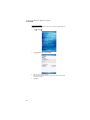
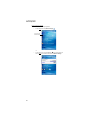
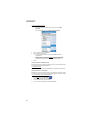
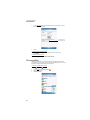
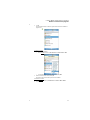
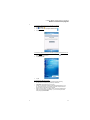
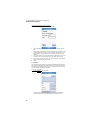
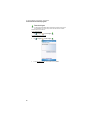
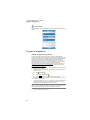
To adjust the phone conversation volume:
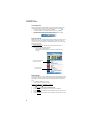
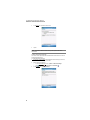
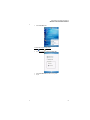
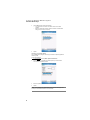
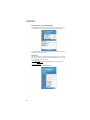
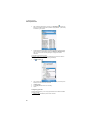
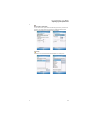
1
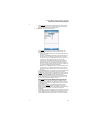
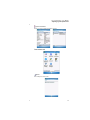
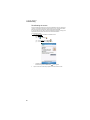
Tap
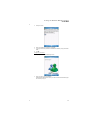
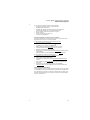
on the navigation bar or press the volume key down to bring up the Volume
drop-down box.
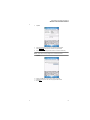
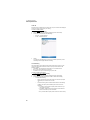
2
Drag the
slider to adjust the phone volume.
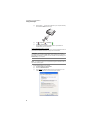
Using the speakerphone
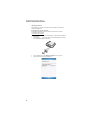
To attend to phone calls, attach the single earbud headset or activate the speakerphone
mode. The speakerphone function allows you to talk hands-free and/or let other people
listen to the caller.
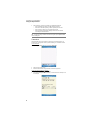
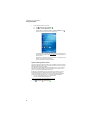
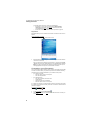
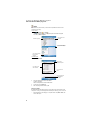
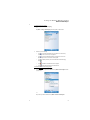
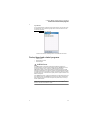
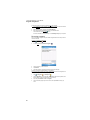
To enable speakerphone mode:
•
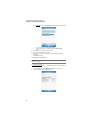
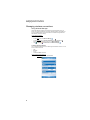
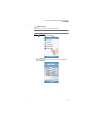
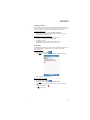
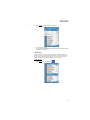
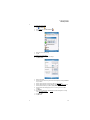
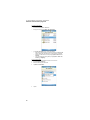
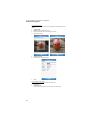
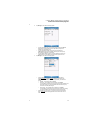
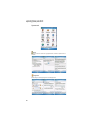
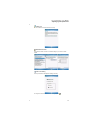
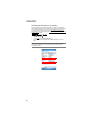
Press and hold the Send
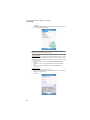
button or tap the Speaker On
screen
button until the speakerphone turns on as indicated by the appearance of the
Speakerphone icon
on the navigation bar.
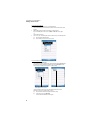
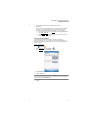
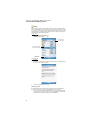
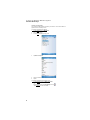
To disable speakerphone mode:
•
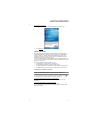
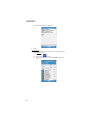
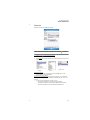
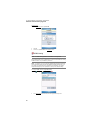
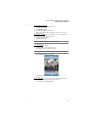
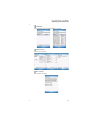
Press and hold the Send
button or tap the Speaker On
button again until the Speakerphone icon
navigation bar.
118
disappears from the
screen