1
| User Guide | HMR-9090
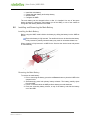
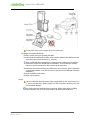
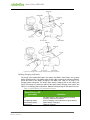
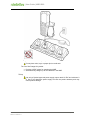
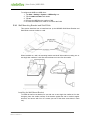
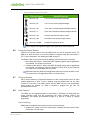
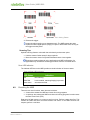
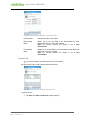
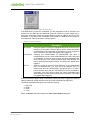
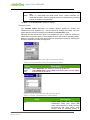
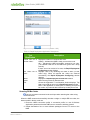
Figure 3-16 Four Slot Spare Battery Charger Power Connection
Spare Battery Charging with the Four Slot Spare Battery Charger
1. Connect the charger to a power source as shown in Figure 3-16.
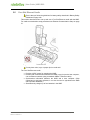
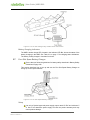
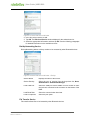
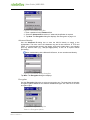
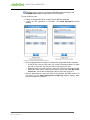
2. Insert the battery into a spare battery charging slot and gently press down on the
battery to ensure proper contact.
Battery Charging Indicators
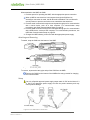
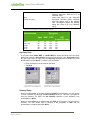
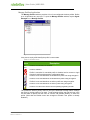
An amber LED is provided on each battery charging well (see Figure 3-15 on page 37).
See Table 3-6 on page 38 for charging status indicators.
The battery usually charges in less than four hours.
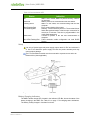
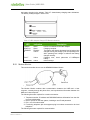
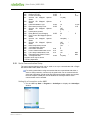
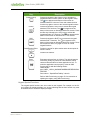
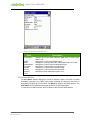
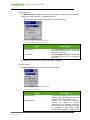
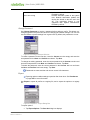
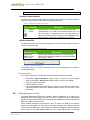
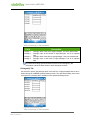
Table 3-6 Spare Battery LED Charging Indicators
LED
Off
Fast Blinking Amber
Slow Blinking Amber
Solid Amber
3.8
Indication
No spare battery in slot; spare battery not placed correctly;
cradle is not powered.
Error in charging; check placement of spare battery.
Spare battery is charging.
Charging complete.
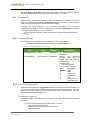
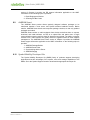
Magnetic Stripe Reader
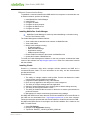
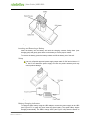
This section describes how to set up and use the snap-on MSR with the HMR. The MSR
snaps on to the bottom of the HMR and can be easily removed when not in use.
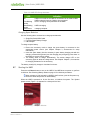
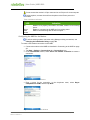
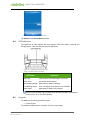
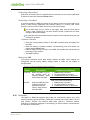
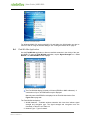
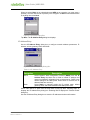
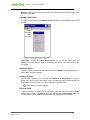
Figure 3-17 Magnetic Stripe Reader
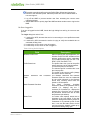
When attached to the HMR, the MSR:
HMR-9090 User Guide
DOC ID: TS-06-0111
- 38 -
January 2012